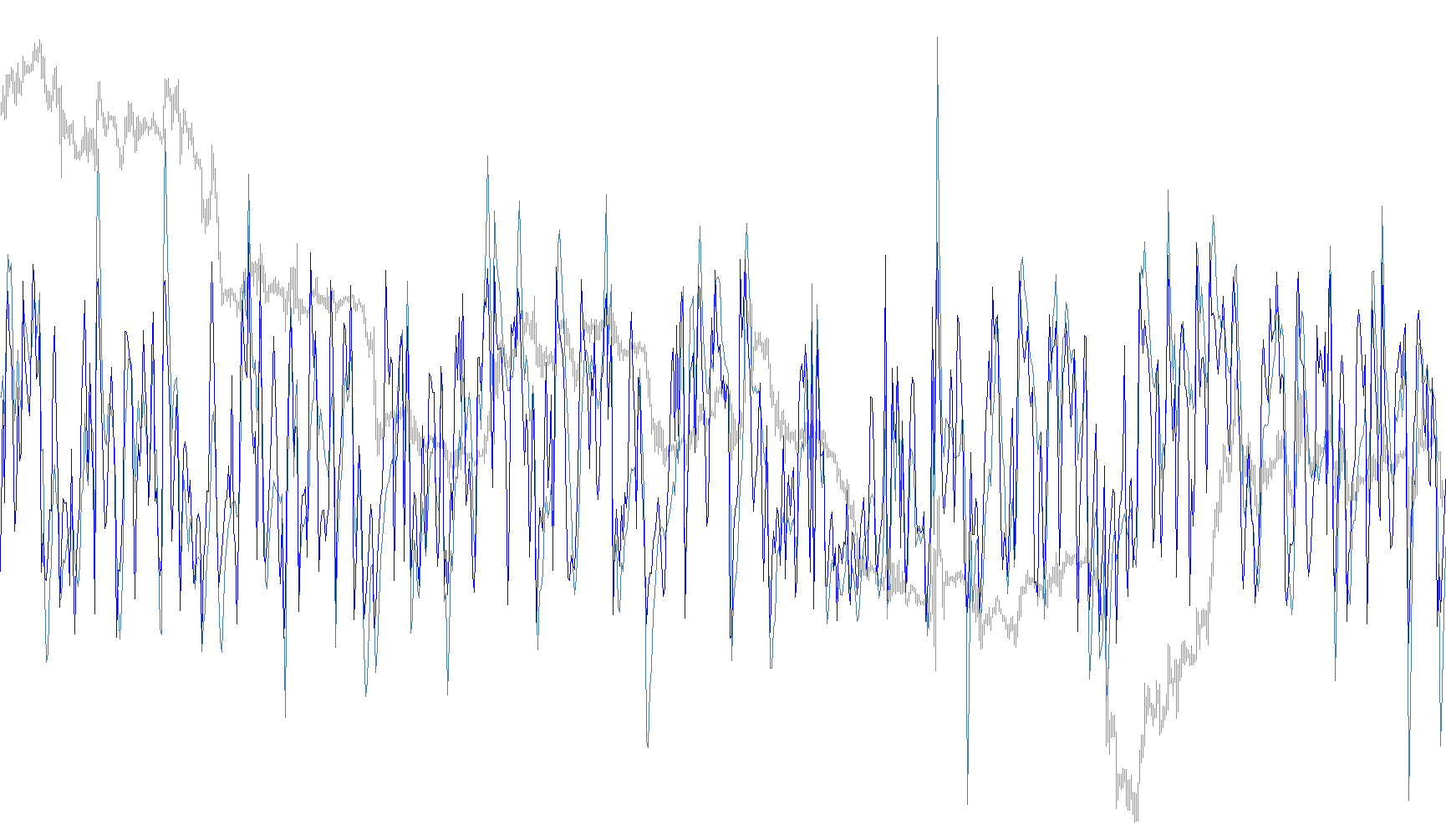
Here's a breakdown of how the script works, explained in a way that's easy to understand for someone who doesn't code:
This script is designed to display two different versions of the Commodity Channel Index (CCI) on a chart, a tool used in trading to identify potential overbought or oversold conditions in a market. Think of it like two different speedometers for market momentum.
Here's the breakdown:
-
Purpose: The primary goal is to calculate and display two CCI lines based on different time periods. These lines help traders identify potential buying or selling opportunities.
-
Inputs: The script takes two key pieces of information from the user:
CCIPeriod1: This is the time period used to calculate the first CCI line (the "slower" one). A larger number makes the CCI less sensitive to short-term price changes.CCIPeriod2: This is the time period for the second CCI line (the "faster" one). It reacts more quickly to price fluctuations.
-
Calculations:
- The script uses a built-in formula to calculate the CCI for each of the specified periods. This formula takes into account the typical price (average of high, low, and close) over the specified period. The result of this formula is a value that fluctuates around zero. Higher values suggest the asset is overbought, while lower values indicate it might be oversold.
- The script calculates these CCI values for each bar (time interval) on the chart.
-
Display:
- The script draws two separate lines on a chart. Each line represents the CCI calculated with one of the user-defined time periods.
- The script uses different colors to easily differentiate the two CCI lines. The first CCI line is SteelBlue, while the second is Red.
- The script ensures it only starts drawing the CCI lines after it has enough price data to perform the calculations for the specified periods.
In simple terms, the script calculates and displays two CCI indicators, each sensitive to different time frames, helping traders potentially spot buying or selling opportunities based on market momentum. The user determines how far back the CCI calculation looks by setting the two period values.
//+------------------------------------------------------------------+
//|                                                  CCI_Woodies.mq4 |
//|                                                                  |
//+------------------------------------------------------------------+

#property indicator_separate_window
#property indicator_buffers 2
#property indicator_color1 SteelBlue
#property indicator_color2 Red
//---- input parameters
extern int CCIPeriod1 = 14;
extern int CCIPeriod2 = 6;
//---- buffers
double CCIBuffer1[];
double CCIBuffer2[];
//+------------------------------------------------------------------+
//| Custom indicator initialization function                         |
//+------------------------------------------------------------------+
int init()
  {
   string short_name;
//---- indicator line
   SetIndexStyle(0, DRAW_LINE, STYLE_SOLID, 1, SteelBlue);
   SetIndexStyle(1, DRAW_LINE);
   SetIndexBuffer(0, CCIBuffer1);
   SetIndexBuffer(1, CCIBuffer2);
//---- name for DataWindow and indicator subwindow label
   short_name = "CCIW(" + CCIPeriod1 + ", " + CCIPeriod2 + ")";
   IndicatorShortName(short_name);
   SetIndexLabel(0, "CCIW(" + CCIPeriod1 + ")");
   SetIndexLabel(1, "CCIW(" + CCIPeriod2 + ")");
//----
   SetIndexDrawBegin(0, CCIPeriod1);
   SetIndexDrawBegin(1, CCIPeriod2);
//----
   return(0);
  }
//+------------------------------------------------------------------+
//| CCI_Woodies                                                      |
//+------------------------------------------------------------------+
int start()
  {
   int i, counted_bars = IndicatorCounted();
//----
   if(Bars <= CCIPeriod1)
       return(0);
//---- initial zero
   if(counted_bars < 1)
       for(i = 1; i <= CCIPeriod1; i++)
           CCIBuffer1[Bars-i] = 0.0;
//----
   i = Bars - CCIPeriod1 - 1;
   if(counted_bars >= CCIPeriod1)
       i = Bars - counted_bars - 1;
   while(i >= 0)
     {
       CCIBuffer1[i] = iCCI(NULL, 0, CCIPeriod1, PRICE_TYPICAL, i);
       CCIBuffer2[i] = iCCI(NULL, 0, CCIPeriod2, PRICE_TYPICAL, i);
       i--;
     }
   return(0);
  }
//+------------------------------------------------------------------+
Comments