MTF_Instant Trendline
Download script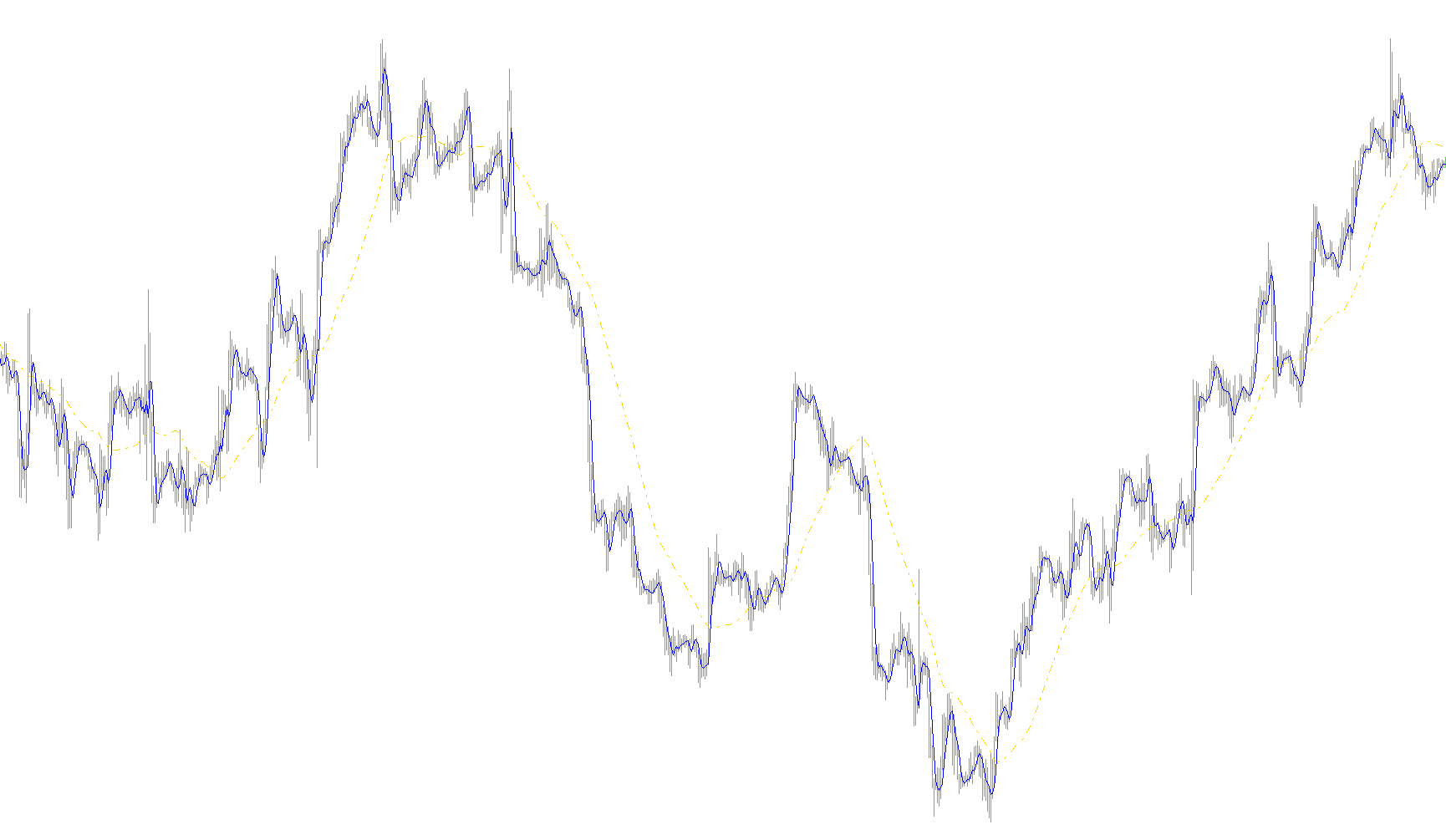
This tool is designed to act as a visual aid for traders by identifying and displaying trend dynamics on a trading chart. Rather than providing raw data, its primary purpose is to synthesize information from multiple timeframes to help you visualize market direction more clearly.
Core Functionality
The script functions as an overlay that draws two distinct lines on your current chart. These lines serve as visual markers for upward and downward movements:
- Trend Identification: It distinguishes between positive momentum (represented in blue) and negative momentum (represented in red).
- Visual Weighting: The primary trend line is drawn with a thicker weight to ensure it stands out as the main signal, while the secondary line provides additional context.
How the Logic Works
The "intelligence" of this script lies in how it gathers its information:
- Multi-Timeframe Analysis: Instead of only looking at the current price action on your screen, the script looks "deeper" into a specific timeframe (which you can customize, such as 60 minutes).
- Data Integration: It pulls data from an external technical analysis tool called the "Instant TrendLine." By fetching this data, it translates complex trend calculations into simple visual lines on your primary chart.
- Automatic Synchronization: The script automatically calculates where the price was at specific moments in time across different periods, ensuring that the lines displayed on your current chart accurately reflect the broader market trends happening on the larger timeframe.
User Notifications
To keep you updated without requiring you to constantly watch the screen, the script includes a built-in communication system:
- Alerts: It can trigger visual/audio alerts when specific conditions are met.
- Delay Management: You can set a specific delay to prevent getting overwhelmed by too many rapid notifications.
- Email Integration: It has the capability to send notifications directly to your email, allowing you to monitor trend shifts even when you are away from your trading platform.
Summary for the Trader
Essentially, this script acts as a bridge. It takes complex trend data from a larger timeframe and simplifies it into two clear, color-coded lines on your current chart. This allows you to see the "big picture" of the market's direction while focusing on your immediate trades, all while providing optional alerts to notify you of significant shifts.
#property copyright "Kalenzo"
#property link      "http://www.fxservice.eu"
#property indicator_buffers 2

#property indicator_color1 Red
#property indicator_color2 Blue

#property indicator_width1 2
#property indicator_width2 1

extern int    TimeFrame= 60;


extern int        AlertDelay  = 1;//In minutes
extern bool       AlertOn     = true;
extern bool       MailOn      = true;

double sUp1[],sDn1[];
int a=0,b=0;


#property indicator_chart_window
//+------------------------------------------------------------------+
//| Custom indicator initialization function                         |
//+------------------------------------------------------------------+
int init()
  {
//---- indicators
   SetIndexBuffer(0,sUp1);
   SetIndexBuffer(1,sDn1);

   SetIndexStyle(0,DRAW_LINE,STYLE_SOLID);
   SetIndexStyle(0,DRAW_LINE,3);


//----
   return(0);
  }
//+------------------------------------------------------------------+
//| Custom indicator deinitialization function                       |
//+------------------------------------------------------------------+
int deinit()
  {
//----

//----
   return(0);
  }
//+------------------------------------------------------------------+
//| Custom indicator iteration function                              |
//+------------------------------------------------------------------+
int start()
  {

     int counted_bars=IndicatorCounted();
     if(counted_bars<0) return(-1);
     if(counted_bars>0) counted_bars--;
     int limit=Bars-counted_bars;

     for(int i=0; i<=limit; i++)
     {
         sUp1[i] = 0; sDn1[i] = 0;

         int bbs = iBarShift(NULL,TimeFrame,Time[i],true);

         sUp1[i] = iCustom(NULL,TimeFrame,"Instant TrendLine",0,bbs);
         sDn1[i] = iCustom(NULL,TimeFrame,"Instant TrendLine",1,bbs);


     }


     return(0);
  }
//+------------------------------------------------------------------+
Comments