JuiceLevelsAlertNew_v3
Download script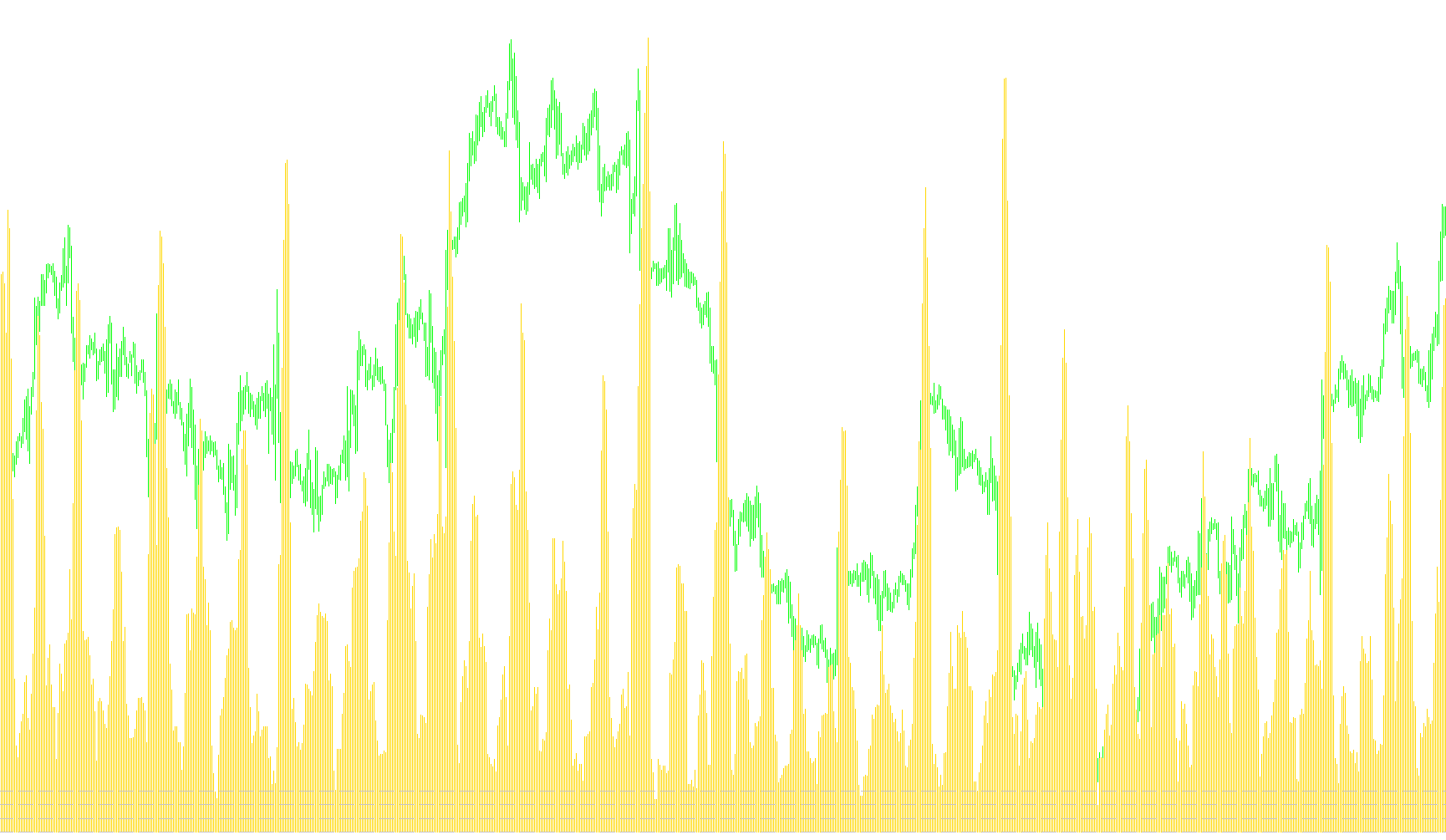
The "Juice" indicator is designed as a visual tool to help traders gauge market volatility and price momentum by categorizing current market activity into three distinct intensity levels. It operates in a separate window below your main price chart, providing a clear, color-coded histogram that simplifies how you perceive market energy.
How the Logic Works
The core logic of this script relies on calculating the Standard Deviation—a mathematical measure used to determine how much price movement deviates from its average. By analyzing this deviation over a specific number of bars (the "Period"), the indicator identifies whether the market is currently experiencing high, moderate, or low activity.
The script then sorts these results into three categories based on pre-defined thresholds:
- High Activity (Good Juice): When the market volatility exceeds a specific high threshold, the indicator highlights this in Lime Green. This represents periods of significant price movement.
- Moderate Activity (SoSo Juice): If the volatility stays between the low and high limits, the indicator marks it in Yellow. This signifies "middle-ground" market behavior.
- Low Activity (Bad Juice): When volatility drops below a minimum level, the indicator shows FireBrick red. This typically represents stagnant or very quiet market conditions.
Key Features & Customization
- Visual Reference Levels: The tool can display horizontal dashed lines on your chart. These act as visual guides to help you see exactly where the "Juice" levels sit relative to the movement, making it easier to judge at a glance when the market is transitioning between states.
- Alert System: The script includes an optional notification feature. If the market hits a specific high-volatility threshold, the tool can trigger a sound alert and a pop-up message on your screen, ensuring you don't miss sudden spikes in activity.
- Customizable Sensitivity: Users can adjust various parameters—such as the look-back period, the specific numerical thresholds for "High" or "Low" activity, and the appearance of the reference levels—to tailor the tool to different trading styles or specific currency pairs.
Summary for the Trader
Essentially, this indicator acts as a "volatility thermometer." Instead of looking at raw numbers, you can use the color-coded histogram to quickly see if the market is currently too quiet (Red), active enough to trade (Yellow), or moving with high intensity (Green).
/*-----------------------------+
|			       |
| Shared by www.Aptrafx.com    |
|			       |
+------------------------------*/

//+------------------------------------------------------------------+
//|                                                        Juice.mq4 |
//|                                                          Perky_z |
//|                              http://fxovereasy.atspace.com/index |
//+------------------------------------------------------------------+
#property  copyright "perky"
#property  link      "http://fxovereasy.atspace.com/index"
//---- indicator settings
#property  indicator_separate_window
#property  indicator_buffers 3
#property  indicator_color1  LimeGreen
#property  indicator_color2  FireBrick
#property indicator_color3 Yellow
#property indicator_width1 2
#property indicator_width2 2
#property indicator_width3 2

//---- indicator parameters
extern bool DoAlerts = false;
extern int Periyod=7;
extern int thresholdLevel=8;
extern int sosoLevel = 4;
extern bool JuiceLevelsVisible = true;
extern int JuiceStartPips = 4;
extern int JuiceStepPips = 4;
extern int JuiceLevelsNumber = 3;
extern color JuiceLevelColor = Silver;

double thresholdLevelPoint;
double sosoLevelPoint;

//---- indicator buffers
double GoodJuice[];
double BadJuice[];
double SoSoJuice[];
double currentJuiceLevel;


//+------------------------------------------------------------------+
//| Custom indicator initialization function                         |
//+------------------------------------------------------------------+
int init()
  {
//---- 3 additional buffers are used for counting.
   IndicatorBuffers(3);
//---- drawing settings
   SetIndexStyle(0,DRAW_HISTOGRAM,STYLE_SOLID);
   SetIndexStyle(1,DRAW_HISTOGRAM,STYLE_SOLID);
   SetIndexStyle(2,DRAW_HISTOGRAM,STYLE_SOLID);
   SetIndexDrawBegin(0,Periyod);
   IndicatorDigits(MarketInfo(Symbol(),MODE_DIGITS)+2);
//---- 2 indicator buffers mapping
   if(!SetIndexBuffer(0,GoodJuice) &&
      !SetIndexBuffer(1,BadJuice) &&
      !SetIndexBuffer(2,SoSoJuice))
      Print("cannot set indicator buffers!");

   IndicatorDigits(4);

   thresholdLevelPoint = thresholdLevel*Point;
   sosoLevelPoint = sosoLevel*Point;

//---- name for DataWindow and indicator subwindow label
   IndicatorShortName("Juice("+Periyod+","+thresholdLevel+")");

//---- initialization done
   return(0);
  }

int SetLevelLines()
{
   string levelLabel;
   if(JuiceLevelsVisible)
   {
      SetLevelStyle(STYLE_DASH,1,JuiceLevelColor);
      for(int i=1; i<= JuiceLevelsNumber; i++)
      {

         currentJuiceLevel = (JuiceStartPips + (i-1)*JuiceStepPips);
         SetLevelValue(i,currentJuiceLevel);
         levelLabel = "Level "+i+": "+currentJuiceLevel;
         SetIndexLabel(i,levelLabel);
      }
   }else
   {
      for(i=1; i<= JuiceLevelsNumber; i++)
      {

         SetLevelValue(i,0.0);

      }
   }
}

//+------------------------------------------------------------------+
//| Moving Average of Oscillator                                     |
//+------------------------------------------------------------------+
int start()
{
//if ( Period != 15)  Alert ("Juice Is Recommended for 15 Min Chart only!!");
   int limit,i;
   int counted_bars=IndicatorCounted();
   double Juice;
   static datetime lastPriceAlertedBar=0;
   int barToCheck;

//---- check for possible errors
   if(counted_bars<0) return(-1);
//---- last counted bar will be recounted
   if(counted_bars>0) counted_bars--;
   limit=Bars-counted_bars;

   SetLevelLines();

//---- main loop
   for(i=0; i<limit; i++)
   {
      Juice=iStdDev  (NULL,0,Periyod,MODE_EMA,0,PRICE_CLOSE,i);
      if(Juice>=thresholdLevelPoint){
         GoodJuice[i]=Juice/Point;
         BadJuice[i]=0;
         SoSoJuice[i]=0;
      }else if(Juice<sosoLevelPoint){
         BadJuice[i]=Juice/Point;
         GoodJuice[i]=0;
         SoSoJuice[i] = 0;
      }else{
         SoSoJuice[i] = Juice/Point;
         BadJuice[i]=0;
         GoodJuice[i]=0;
      }
   }

   if (DoAlerts)
   {
      if (Juice >= thresholdLevelPoint && Period() == 5 && lastPriceAlertedBar != iTime(NULL,0,barToCheck))
      {
            Alert("Juice above ",thresholdLevel," for ", Symbol());
            PlaySound("Tick.wav");
            lastPriceAlertedBar = iTime(NULL,0,barToCheck);
      }
   }

//---- done
   return(0);
  }
//+------------------------------------------------------------------+
Comments