StepChoppyBars_v1.1
Download script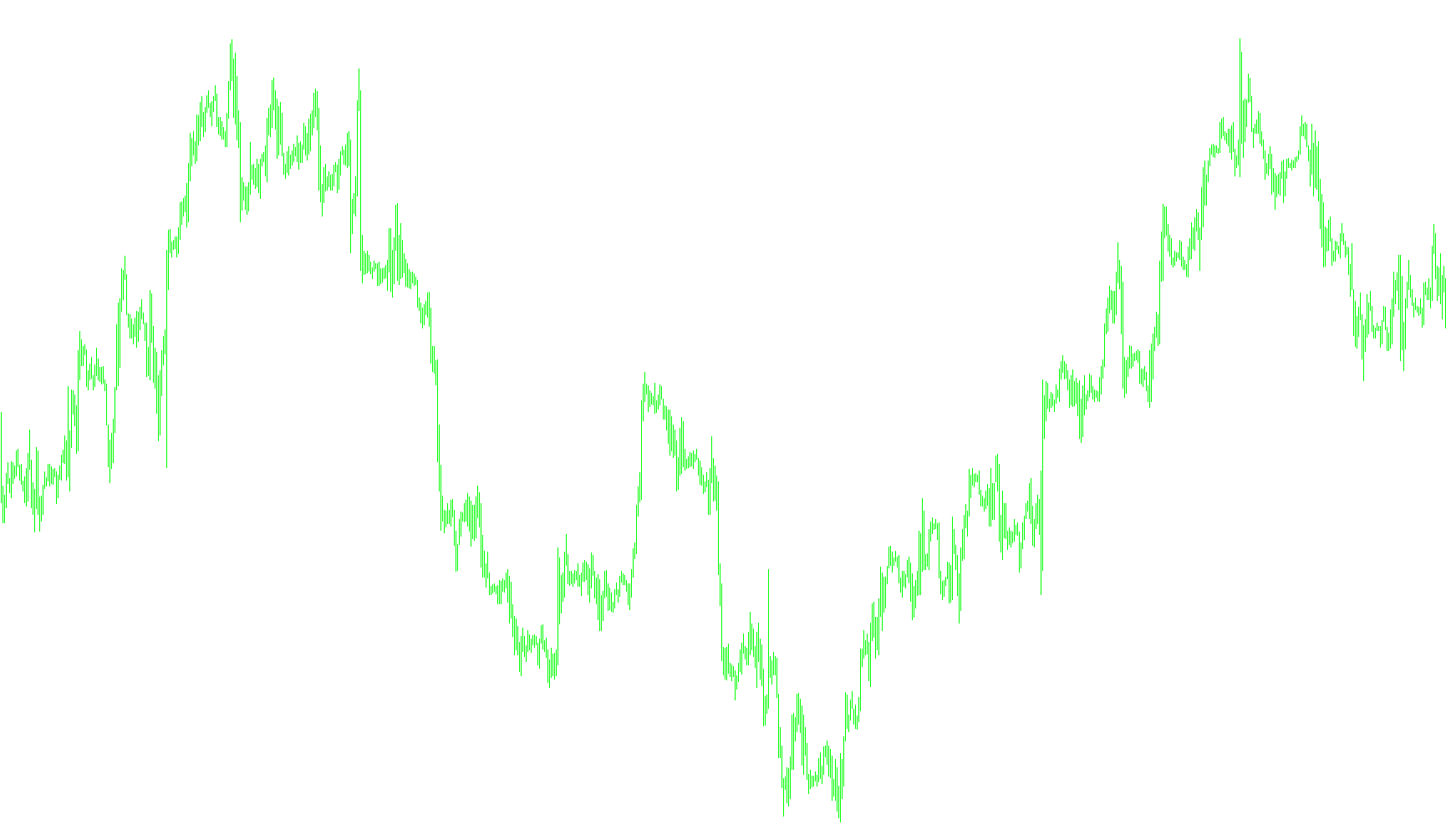
The StepChoppyBars_v1 script is a specialized technical analysis tool designed to help traders visualize market dynamics by categorizing price action into distinct phases. Rather than just showing a simple "up" or "down" direction, this indicator analyzes the relationship between trend strength and momentum to identify specific market behaviors, such as strong trends, retracements, and "choppy" (sideways/uncertain) movements.
Core Logic Overview
The script functions by cross-referencing three different data streams to determine the current state of the market. It looks at:
- Trend Direction: It identifies the primary underlying movement using a specialized Moving Average logic.
- Momentum Speed: It compares fast and slow momentum values to see how quickly price is moving.
- Relative Strength: It evaluates where the current price strength sits in relation to those momentum speeds.
By combining these three factors, the script categorizes every price bar into one of eight specific market conditions, which are then displayed on your chart as colored histograms.
The Eight Market States
The tool translates complex calculations into eight easy-to-read categories:
Bullish (Upward) Scenarios:
- Strong UpTrend: Indicates a powerful, high-momentum move upward where both fast and slow momentum are aligned with the price trend.
- Retrace UpTrend: Shows that while the overall trend is still upward, there is a temporary dip or cooling off in momentum.
- Choppy UpTrend: Signals a struggling upward movement where the price is moving up, but the momentum is weak or inconsistent (sideways behavior).
- Be ready to change UpTrend: A warning signal indicating that the current upward momentum is fading and a reversal may be approaching.
Bearish (Downward) Scenarios:
- Strong DownTrend: Indicates a powerful, high-momentum move downward where both fast and slow momentum are aligned with the price drop.
- Retrace DownTrend: Shows that while the overall trend is still downward, there is a temporary "bounce" or relief in price.
- Choppy DownTrend: Signals a struggling downward movement where the price is dropping, but the momentum is weak or inconsistent.
- Be ready to change DownTrend: A warning signal indicating that the current downward momentum is fading and an upward reversal may be approaching.
How it helps the trader
Instead of forcing you to guess whether a move is "real" or just a temporary fluctuation, this script visually labels the quality of the price action. It allows you to see at a glance when the market is in a stable trend (where you might stay with the flow) versus when it is becoming "choppy" or exhausted (where you might want to avoid taking new positions).
//+------------------------------------------------------------------+
//|                                            StepChoppyBars_v1.mq4 |
//|                                  Copyright © 2006, Forex-TSD.com |
//|                         Written by IgorAD,igorad2003@yahoo.co.uk |
//|            http://finance.groups.yahoo.com/group/TrendLaboratory |
//+------------------------------------------------------------------+
#property copyright "Copyright © 2006, Forex-TSD.com "
#property link      "http://www.forex-tsd.com/"

#property indicator_chart_window
#property indicator_buffers 8
#property indicator_color1 MediumBlue
#property indicator_color2 Crimson
#property indicator_color3 DodgerBlue
#property indicator_color4 Tomato
#property indicator_color5 LightBlue
#property indicator_color6 Orange
#property indicator_color7 Aqua
#property indicator_color8 Yellow
//---- input parameters
extern int     Length      =10;
extern double  Kv          = 1.0;
extern double  StepSize    =0;
extern int     MA_Mode     = 0;
extern bool    HighLow     = false;
extern double  StepSizeFast=5;
extern double  StepSizeSlow=15;
int MAPeriod=1;
int Price=0;
int Mode=2;
//---- buffers
double UpBuffer1[];
double DnBuffer1[];
double UpBuffer2[];
double DnBuffer2[];
double UpBuffer3[];
double DnBuffer3[];
double UpBuffer4[];
double DnBuffer4[];

//+------------------------------------------------------------------+
//| Custom indicator initialization function                         |
//+------------------------------------------------------------------+
int init()
  {

//----
   SetIndexStyle(0,DRAW_HISTOGRAM,0,2,MediumBlue);
   SetIndexBuffer(0,UpBuffer1);
   SetIndexStyle(1,DRAW_HISTOGRAM,0,2,Crimson);
   SetIndexBuffer(1,DnBuffer1);
   SetIndexStyle(2,DRAW_HISTOGRAM,0,2,DodgerBlue);
   SetIndexBuffer(2,UpBuffer2);
   SetIndexStyle(3,DRAW_HISTOGRAM,0,2,Tomato);
   SetIndexBuffer(3,DnBuffer2);
   SetIndexStyle(4,DRAW_HISTOGRAM,0,2,LightBlue);
   SetIndexBuffer(4,UpBuffer3);
   SetIndexStyle(5,DRAW_HISTOGRAM,0,2,Orange);
   SetIndexBuffer(5,DnBuffer3);
   SetIndexStyle(6,DRAW_HISTOGRAM,0,2,Aqua);
   SetIndexBuffer(6,UpBuffer4);
   SetIndexStyle(7,DRAW_HISTOGRAM,0,2,Yellow);
   SetIndexBuffer(7,DnBuffer4);

//----
   string short_name="StepChoppyBars_v1";
   IndicatorShortName(short_name);
   SetIndexLabel(0,"Strong UpTrend");
   SetIndexLabel(1,"Strong DownTrend");
   SetIndexLabel(2,"Retrace UpTrend");
   SetIndexLabel(3,"Retrace DownTrend");
   SetIndexLabel(4,"Choppy UpTrend");
   SetIndexLabel(5,"Choppy DownTrend");
   SetIndexLabel(6,"Be ready to change UpTrend");
   SetIndexLabel(7,"Be ready to change DownTrend");
//----

   SetIndexDrawBegin(0,Length);
   SetIndexDrawBegin(1,Length);
   SetIndexDrawBegin(2,Length);
   SetIndexDrawBegin(3,Length);
   SetIndexDrawBegin(4,Length);
   SetIndexDrawBegin(5,Length);
   SetIndexDrawBegin(6,Length);
   SetIndexDrawBegin(7,Length);
//----
   return(0);
  }
//+------------------------------------------------------------------+
//| StepChoppyBars_v1                                                |
//+------------------------------------------------------------------+
int start()
  {
   int  i,counted_bars=IndicatorCounted();
   double RSI, FastRSI, SlowRSI, StepMA, UpTrendMA, DnTrendMA;
//----
   if(Bars<=Length) return(0);
//---- initial zero
   if(counted_bars<1)
      for(i=1;i<=Length;i++)
      {
      UpBuffer1[Bars-i]=0.0;
      UpBuffer2[Bars-i]=0.0;
      UpBuffer3[Bars-i]=0.0;
      UpBuffer4[Bars-i]=0.0;

      DnBuffer1[Bars-i]=0.0;
      DnBuffer2[Bars-i]=0.0;
      DnBuffer3[Bars-i]=0.0;
      DnBuffer4[Bars-i]=0.0;
      }
//----
   if ( counted_bars > 0 )  int limit=Bars-counted_bars;
   if ( counted_bars ==0 )  limit=Bars-Length-1;

   for(i=limit;i>=0;i--)
   {

   UpTrendMA = iCustom(NULL,0,"StepMA_v7",Length,Kv,StepSize,MA_Mode,0,0,HighLow,2,0,1,i);
   DnTrendMA = iCustom(NULL,0,"StepMA_v7",Length,Kv,StepSize,MA_Mode,0,0,HighLow,2,0,2,i);

   RSI=iCustom(NULL,0,"StepRSI_v5.2",Length,StepSizeFast,MAPeriod,Price,Mode,0,i);
   FastRSI=iCustom(NULL,0,"StepRSI_v5.2",Length,StepSizeFast,MAPeriod,Price,Mode,1,i);
   SlowRSI=iCustom(NULL,0,"StepRSI_v5.2",Length,StepSizeSlow,MAPeriod,Price,Mode,1,i);

   UpBuffer1[i] =EMPTY;
   UpBuffer2[i] =EMPTY;
   UpBuffer3[i] =EMPTY;
   UpBuffer4[i] =EMPTY;

   DnBuffer1[i] =EMPTY;
   DnBuffer2[i] =EMPTY;
   DnBuffer3[i] =EMPTY;
   DnBuffer4[i] =EMPTY;

   if (FastRSI > SlowRSI && RSI > FastRSI && UpTrendMA!=EMPTY_VALUE)
   {UpBuffer1[i] = High[i];DnBuffer1[i] = Low[i] ;}

   else if (FastRSI > SlowRSI && RSI < FastRSI && UpTrendMA!=EMPTY_VALUE)
   {UpBuffer2[i] = High[i];DnBuffer2[i] = Low[i] ;}

   else if (FastRSI < SlowRSI && RSI > FastRSI && UpTrendMA!=EMPTY_VALUE)
   {UpBuffer3[i] = High[i];DnBuffer3[i] = Low[i] ;}

   else if (FastRSI < SlowRSI && RSI < FastRSI && UpTrendMA!=EMPTY_VALUE)
   {UpBuffer4[i] = High[i];DnBuffer4[i] = Low[i] ;}


   else if (FastRSI < SlowRSI && RSI < FastRSI && DnTrendMA!=EMPTY_VALUE)
   {DnBuffer1[i] = High[i];UpBuffer1[i] = Low[i];}

   else if (FastRSI < SlowRSI && RSI > FastRSI && DnTrendMA!=EMPTY_VALUE)
   {DnBuffer2[i] = High[i];UpBuffer2[i] = Low[i];}

   else if (FastRSI > SlowRSI && RSI < FastRSI && DnTrendMA!=EMPTY_VALUE)
   {DnBuffer3[i] = High[i];UpBuffer3[i] = Low[i];}

   else if (FastRSI > SlowRSI && RSI > FastRSI && DnTrendMA!=EMPTY_VALUE)
   {DnBuffer4[i] = High[i];UpBuffer4[i] = Low[i];}
   }

//----
   return(0);
  }
//+------------------------------------------------------------------+
Comments