NewsReader
Download script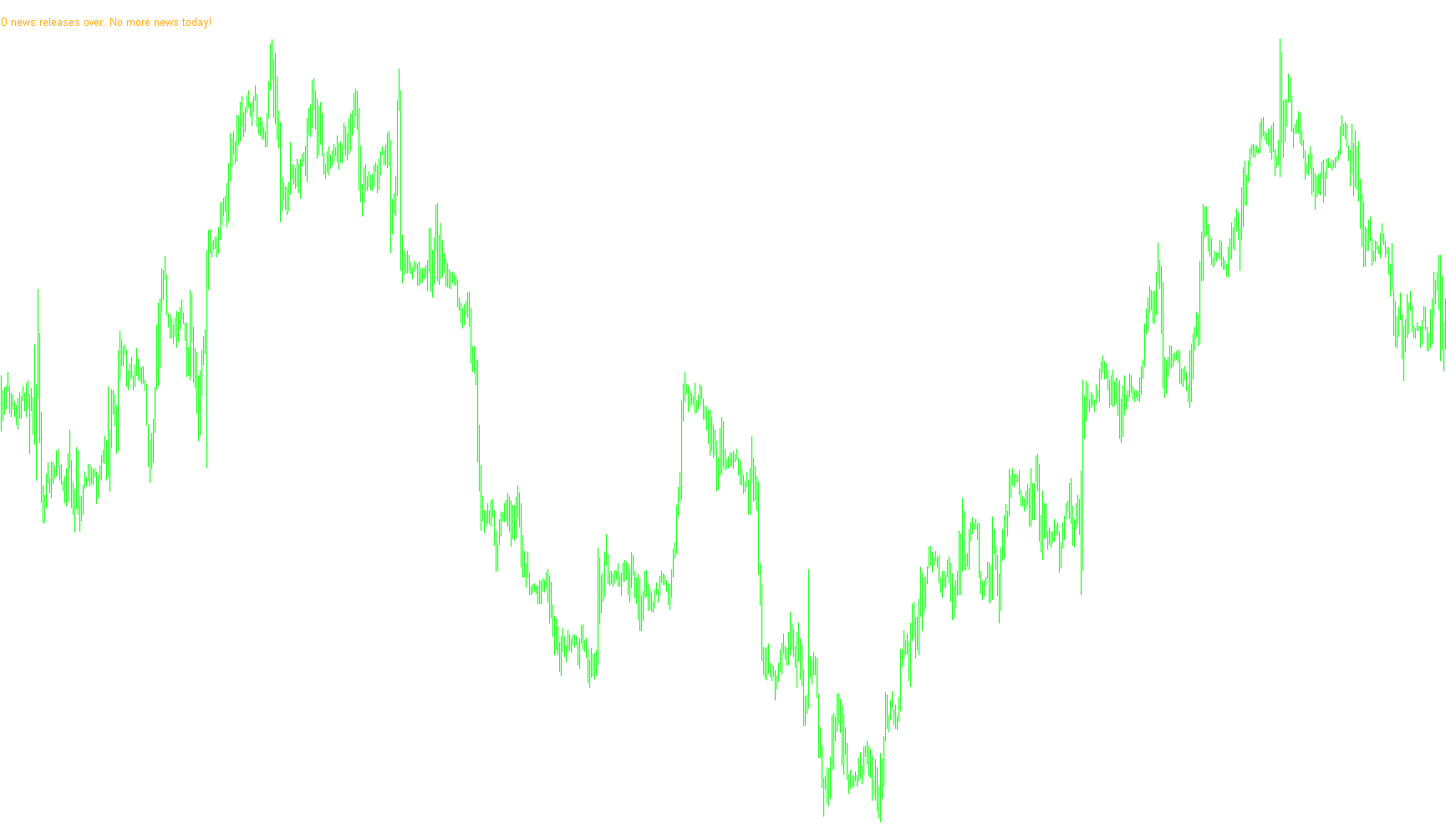
This script serves as an automated news monitoring tool designed to keep traders informed of upcoming economic events directly on their trading platform. By integrating with an external data source, it eliminates the need for constant manual checking of news calendars, allowing for a more streamlined and responsive trading experience.
Core Functionality
Data Integration The system works by reading a specific file (formatted as a CSV) containing a list of scheduled economic events. Each entry in this file provides two critical pieces of information: the exact time the news will be released and the name of the event. Upon starting, the script scans this file to build an internal timeline of all upcoming occurrences.
Real-Time Monitoring & On-Screen Display The tool constantly compares the current market time against the scheduled times retrieved from your data file. It provides a dynamic visual update on your chart:
- Upcoming Events: It identifies the very next news item and displays its name and time clearly on your screen as a text label.
- Completion Status: Once all events listed in your file have passed, the display automatically updates to inform you that no more news releases are scheduled for the day.
Smart Alert System Beyond just visual information, the script features an active notification system designed to catch your attention before high-impact news hits the market:
- Proximity Alerts: You can configure the script to trigger a warning a specific number of minutes before an event occurs (e.g., a 10-minute heads-up).
- Multi-Sensory Notifications: When an event is imminent, the tool triggers both a pop-up alert message and an audible sound file, ensuring you are alerted even if you aren't looking directly at the chart.
User Experience Highlights
- Visual Clarity: The script places custom text labels on the chart, which can be adjusted for font size, color, and position to suit your workspace preferences.
- Automatic Cleanup: The tool is designed to manage its own visual elements, properly clearing old labels and refreshing the display to ensure the information shown is always accurate and up-to-date.
- Efficiency: By automating the "watchdog" role of monitoring news times, it allows you to focus on your analysis while the software handles the timekeeping and notifications.
//+------------------------------------------------------------------+
//|                                                   NewsReader.mq4 |
//+------------------------------------------------------------------+

// Modified by mqldev - www.mqldev.com

#property indicator_chart_window

extern   string   FileName          = "news.csv";
extern   bool     DoAlerts          = true;
extern   int      AlertTime         = 10;
extern   int      StampFontSize     = 10;
extern   string   StampFontName     = "arial";
extern   color    StampFontColor    = Orange;

int FileHandle;

int      eventCount;
string   eventNames[10];
datetime eventTimes[10];

//+------------------------------------------------------------------+
//| Custom indicator initialization function                         |
//+------------------------------------------------------------------+
int init()
{
//---- indicators
   DeleteStamp();

   FileHandle = FileOpen(FileName, FILE_CSV|FILE_READ,';');

   if(FileHandle==0)
      Print("File "+FileName+" not found.");

   for(eventCount = 0; !FileIsEnding(FileHandle); eventCount++)
   {
      eventTimes[eventCount] = StrToTime(FileReadString(FileHandle));
      eventNames[eventCount] = FileReadString(FileHandle);
   }

//----
   return(0);
}


//+------------------------------------------------------------------+
//| Custom indicator deinitialization function                       |
//+------------------------------------------------------------------+
int deinit()
{
   DeleteStamp();
//----
   FileClose(FileHandle);
//----
   return(0);
}

//+------------------------------------------------------------------+
//| Custom indicator iteration function                              |
//+------------------------------------------------------------------+
int start()
{
//----
   int next = 0;

   while(eventTimes[next] < TimeCurrent())
   {
      next++;
      if(next >= eventCount)
      {
         //Comment(eventCount+" news releases over."+" No more news today!");
         Stamp(eventCount+" news releases over."+" No more news today!",5,20);
         return(0);
      }
   }

   Stamp("Next news event: "+TimeToStr(eventTimes[next])+" "+eventNames[next],5,20);

   //Comment("Next news event: "+TimeToStr(eventTimes[next])+" "+eventNames[next]);

   if(DoAlerts && TimeMinute(eventTimes[next]-TimeCurrent())==DoAlerts)
   {
      Alert("News Event Imminent: "+TimeMinute(eventTimes[next]-TimeCurrent())+" minutes to "+eventNames[next]+"!");
      PlaySound("alert.wav");
   }

//----
   return(0);
}

void Stamp(string message , int x , int y)
{
   string Obj="Stamp_" + message;
   int objs = ObjectsTotal();
   string name;

   for(int cnt=0;cnt<ObjectsTotal();cnt++)
   {
      name=ObjectName(cnt);
      if (StringFind(name,Obj,0)>-1)
      {
         ObjectSet(Obj,OBJPROP_XDISTANCE,x);
         ObjectSet(Obj,OBJPROP_YDISTANCE,y);
         ObjectsRedraw();
      }
      else
      {
         ObjectCreate(Obj,OBJ_LABEL,0,0,0);
         ObjectSetText(Obj,message,StampFontSize,StampFontName,StampFontColor);
         ObjectSet(Obj,OBJPROP_XDISTANCE,x);
         ObjectSet(Obj,OBJPROP_YDISTANCE,y);
         ObjectsRedraw();
      }
   }
   if (ObjectsTotal() == 0)
   {
         ObjectCreate(Obj,OBJ_LABEL,0,0,0);
         ObjectSetText(Obj,message,StampFontSize,StampFontName,StampFontColor);
         ObjectSet(Obj,OBJPROP_XDISTANCE,x);
         ObjectSet(Obj,OBJPROP_YDISTANCE,y);
         ObjectsRedraw();

   }

   return(0);
}
void DeleteStamp()
{
   int objs = ObjectsTotal();
   string name;
   for(int cnt=ObjectsTotal()-1;cnt>=0;cnt--)
   {
      name=ObjectName(cnt);
      if (StringFind(name,"Stamp",0)>-1) ObjectDelete(name);
      ObjectsRedraw();
   }
}
Comments