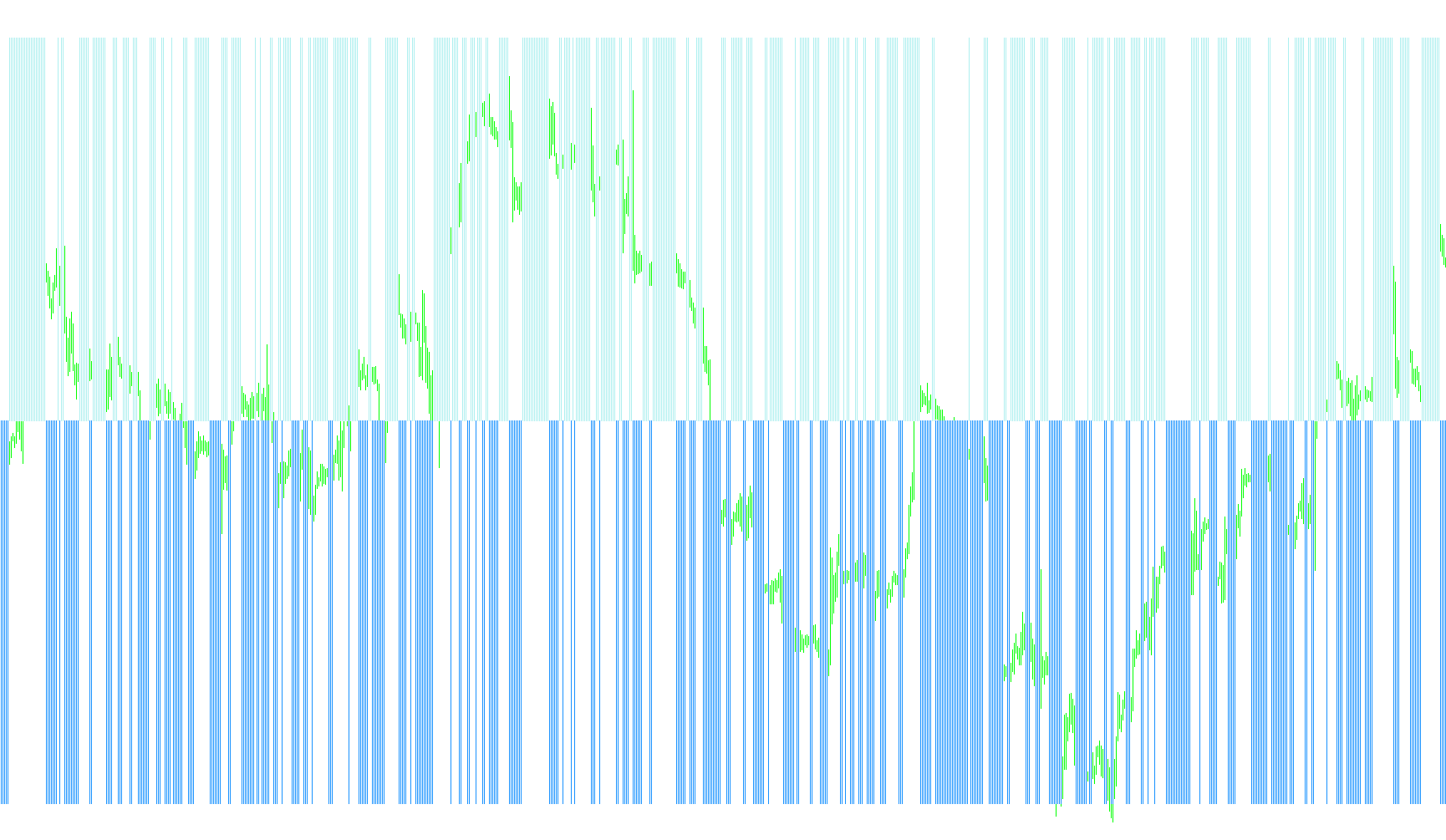
The MAGICOSCILLATOR is a specialized technical analysis tool designed to identify momentum shifts and potential price reversals by analyzing the relationship between price action, historical ranges, and an internal oscillator value. Instead of simply following price trends, this script looks for specific "exhaustion" points where the movement of the market contradicts its immediate past behavior.
Core Logic Overview
The indicator operates by evaluating three distinct layers of data: historical candle boundaries (Highs and Lows), current closing prices, and an Awesome Oscillator (AO) value. It processes these elements to determine whether the current market move is sustained or if it is showing signs of weakness.
How the Calculation Works
To arrive at its final signal, the script performs a multi-step verification:
1. Price Position Analysis The tool first determines where the price closed relative to the "middle" of the previous candles. By comparing the closing price to the midpoint of the high and low ranges, it identifies whether the market is currently pushing in a bullish (upward) or bearish (downward) direction.
2. Movement Delta Tracking The script calculates specific "deltas"—mathematical differences between current prices and previous price boundaries. It looks for instances where the price fails to break through certain thresholds or where the distance traveled by the price is shrinking compared to previous bars. This helps the indicator recognize when a trend is losing its "fuel."
3. Oscillator Momentum Correlation The script monitors the Awesome Oscillator (AO) to track overall momentum. It compares the current momentum value against the previous one to see if it is rising or falling.
Signal Generation
The final output, displayed as a histogram on your chart, is produced by combining these three factors:
- Buy Signals: When the momentum oscillator is moving upward, but the price action "deltas" show signs of weakness or specific retracements, the tool identifies a potential buying opportunity (indicated by one color on the histogram).
- Sell Signals: Conversely, when the momentum oscillator is moving downward and the price action confirms a lack of upward pressure, it identifies a potential selling opportunity (indicated by the opposite color).
Summary for Traders
Essentially, the MAGICOSCILLATOR acts as a "filter." Rather than just telling you that the price is going up or down, it looks for moments where the momentum and the actual price action are in conflict. It highlights these discrepancies to help traders spot potential turning points where a trend might be about to exhaust itself and reverse.
//+------------------------------------------------------------------+
//|                                              MagicOscillator.mq4 |
//|                                                              zfs |
//|                                                                @ |
//+------------------------------------------------------------------+
#property copyright "zfs"
#property link      "@"

//---- indicator settings
#property  indicator_separate_window
#property  indicator_buffers 4
#property  indicator_color3  Red
#property  indicator_color4  Blue
#property  indicator_width3 5
#property  indicator_width4 5
//---- indicator buffers
double     AOBuffer[];
double     TempBuffer[];
double     OscBuyBuffer[];
double     OscSellBuffer[];

int init()
  {
   SetIndexStyle(0,DRAW_NONE);
   SetIndexStyle(1,DRAW_NONE);
   SetIndexStyle(2,DRAW_HISTOGRAM);
   SetIndexStyle(3,DRAW_HISTOGRAM);
   IndicatorDigits(Digits+1);
   SetIndexDrawBegin(0,34);
   SetIndexDrawBegin(1,34);
   SetIndexDrawBegin(2,34);
   SetIndexDrawBegin(3,34);

   SetIndexBuffer(0,AOBuffer);
   SetIndexBuffer(1,TempBuffer);
   SetIndexBuffer(2,OscBuyBuffer);
   SetIndexBuffer(3,OscSellBuffer);

   IndicatorShortName("MAGICOSCILLATOR");
   SetIndexLabel(2,NULL);
   SetIndexLabel(3,NULL);

   return(0);
  }
int start()
  {
   int    limit;
   int    counted_bars=IndicatorCounted();
   double prev,current;

   if(counted_bars>0) counted_bars--;
   limit=Bars-counted_bars;

   for(int i=0; i<limit; i++)
   {
    double high2=iHigh(NULL,0,i+2);
    double low2=iLow(NULL,0,i+2);
    double close2=iClose(NULL,0,i+2);

    double high1=iHigh(NULL,0,i+1);
    double low1=iLow(NULL,0,i+1);
    double close1=iClose(NULL,0,i+1);

    double ao1=iAO(NULL,0,i+1);
    double ao0=iAO(NULL,0,i);

    double close0=iClose(NULL,0,i);//òåêóùàÿ öåíà

    double deltab=0;double deltas=0;
    double deltab2=0;double deltas2=0;

    if (close1>(high1+low1)/2.0)deltab=close0-high1;
    if (close1<(high1+low1)/2.0)deltas=low1-close0;

    if (close2>(high2+low2)/2.0)deltab2=close1-high2;
    if (close2<(high2+low2)/2.0)deltas2=low2-close1;

    if (ao0>ao1)
    {
    if (deltas>0||deltas2>0)TempBuffer[i]=-1;
    else TempBuffer[i]=1;
    }

    if (ao0<ao1)
    {
    if (deltab>0||deltab2>0)TempBuffer[i]=1;
    else TempBuffer[i]=-1;
    }
   }

   for(i=0; i<limit; i++)
   {
    if (TempBuffer[i]>0)
    {
    OscBuyBuffer[i]=TempBuffer[i];
    OscSellBuffer[i]=0;
    }
    if (TempBuffer[i]<0)
    {
    OscSellBuffer[i]=TempBuffer[i];
    OscBuyBuffer[i]=0;
    }
   }
   return(0);
  }
Comments