MAAngle
Download script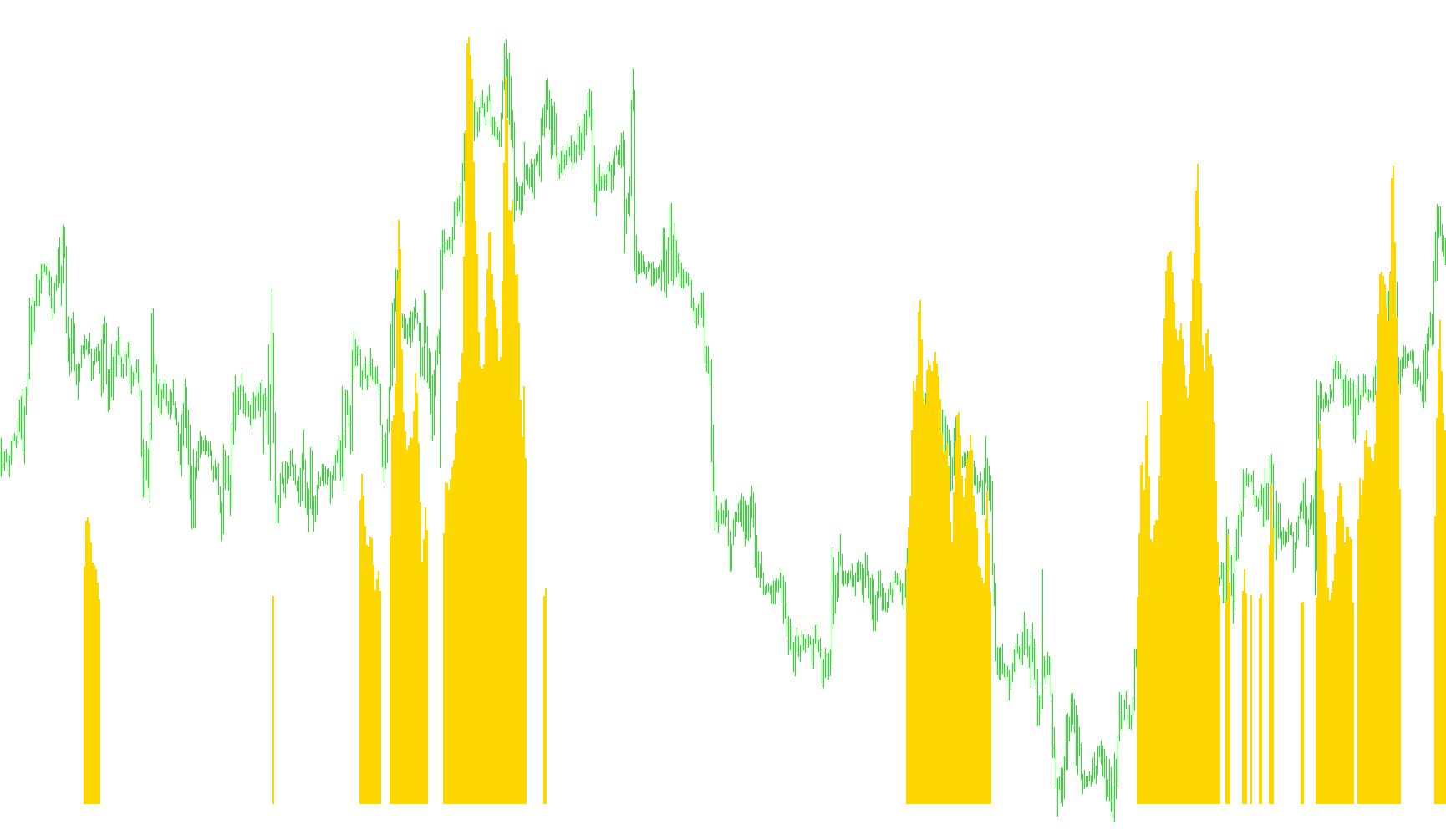
The MAAngle indicator is designed to provide a visual representation of the momentum and direction of a Moving Average (MA) by calculating its "angle" relative to the price chart. Instead of just looking at where the moving average sits, this tool helps traders identify how steeply it is sloping, which can signal the strength of a trend or a period of consolidation.
Core Logic Overview
The script analyzes the trajectory of different types of Moving Averages (such as Simple, Exponential, Smoothed, or Weighted) by comparing two specific points in time:
- The Starting Point: A historical position on the moving average further back in time.
- The Ending Point: A more recent position on the moving average closer to the current price.
By measuring the difference in value between these two points and dividing it by the distance between them, the script calculates a numerical "angle." This angle tells you how much the moving average is tilting upward or downward over a specific window of time.
Visual Indicators and Colors
To make this data easy to interpret at a glance, the tool translates these calculated angles into a color-coded histogram:
- Green (Upward Trend): When the moving average is sloping upward with sufficient strength (exceeding a user-defined threshold), the indicator displays in green. This suggests active bullish momentum.
- Red (Downward Trend): When the moving average is sloping downward with significant strength, the indicator displays in red. This suggests active bearish momentum.
- Yellow (Neutral/Flat Zone): If the angle of the moving average is very slight—meaning it is "near zero"—the indicator displays in yellow. This identifies periods where the market may be ranging, consolidating, or lacking a clear trend direction.
Key Customization Features
The tool includes several parameters that allow users to fine-tune the sensitivity of the analysis:
- MA Type & Period: Users can choose the specific type of moving average and how many bars of data it should consider.
- Angle Threshold: This allows the user to define what constitutes a "significant" move. By adjusting this, you can decide how steep a slope must be before it turns green or red.
- Shift Values: These determine how far back the indicator looks to calculate the angle, effectively allowing users to measure short-term vs. long-term slopes.
- Currency Optimization: The logic automatically adjusts its calculations for different currency pairs (specifically recognizing JPY pairs) to ensure the visual scale remains consistent and readable across various markets.
//+------------------------------------------------------------------+
//|                                                      MAAngle.mq4 |
//|                                               original    jpkfox |
//|                                               edited by dariuske |
//| You can use this indicator to measure when the MA angle is       |
//| "near zero". AngleTreshold determines when the angle for the     |
//| EMA is "about zero": This is when the value is between           |
//| [-AngleTreshold, AngleTreshold] (or when the histogram is red).  |
//|   MAMode : 0 = SMA, 1 = EMA, 2 = Smoothed, 3 = Weighted          |
//|   MAPeriod: MA period                                            |
//|   AngleTreshold: The angle value is "about zero" when it is      |
//|     between the values [-AngleTreshold, AngleTreshold].          |
//|   StartMAShift: The starting point to calculate the              |
//|     angle. This is a shift value to the left from the            |
//|     observation point. Should be StartEMAShift > EndEMAShift.    |
//|   StartMAShift: The ending point to calculate the                |
//|     angle. This is a shift value to the left from the            |
//|     observation point. Should be StartEMAShift > EndEMAShift.    |
//|                                                                  |
//|   Modified by MrPip                                              |
//|       Red for down                                               |
//|       Yellow for near zero                                       |
//|       Green for up                                               |
//|  10/15/05  MrPip                                                 |
//|            Corrected problem with USDJPY and optimized code      |
//|  10/23/05  Added other JPY crosses                               |
//|                                                                  |
//|   Modified by Dariuske                                           |
//|                                                                  |
//|  12/01/07  Changed code for SMA50 (PhilNelSystem)                |
//|  18/01/07  Changed code for multiple mode MA's                   |
//+------------------------------------------------------------------+

#property  copyright "jpkfox"
#property  link      "http://www.strategybuilderfx.com/forums/showthread.php?t=15274&page=1&pp=8"
//---- indicator settings
#property  indicator_separate_window
#property  indicator_buffers 3
#property  indicator_color1  LimeGreen
#property  indicator_color2  FireBrick
#property  indicator_color3 Yellow
//---- indicator parameters
extern int MAMode = 0;
extern int MAPeriod=50;
extern double AngleTreshold=0.25;
extern int StartMAShift=2;
extern int EndMAShift=0;

//---- indicator buffers
double UpBuffer[];
double DownBuffer[];
double ZeroBuffer[];

//+------------------------------------------------------------------+
//| Custom indicator initialization function                         |
//+------------------------------------------------------------------+
int init()
{
//---- 2 additional buffers are used for counting.
   IndicatorBuffers(3);
//---- drawing settings
   SetIndexStyle(0,DRAW_HISTOGRAM,STYLE_SOLID,2);
   SetIndexStyle(1,DRAW_HISTOGRAM,STYLE_SOLID,2);
   SetIndexStyle(2,DRAW_HISTOGRAM,STYLE_SOLID,2);

   IndicatorDigits(MarketInfo(Symbol(),MODE_DIGITS)+2);

//---- 3 indicator buffers mapping
   if(!SetIndexBuffer(0,UpBuffer) &&
      !SetIndexBuffer(1,DownBuffer) &&
      !SetIndexBuffer(2,ZeroBuffer))
      Print("cannot set indicator buffers!");
//---- name for DataWindow and indicator subwindow label
   IndicatorShortName("MAAngle("+MAPeriod+","+AngleTreshold+","+StartMAShift+","+EndMAShift+")");
//---- initialization done
   return(0);
}
//+------------------------------------------------------------------+
//| The angle for EMA                                                |
//+------------------------------------------------------------------+
int start()
{
   double fEndMA, fStartMA;
   double fAngle, mFactor, dFactor;
   int nLimit, i;
   int nCountedBars;
   double angle;
   int ShiftDif;
   string Sym;

   if (MAMode >= 4) MAMode = 0;

   if(EndMAShift >= StartMAShift)
   {
      Print("Error: EndMAShift >= StartMAShift");
      StartMAShift = 6;
      EndMAShift = 0;
   }

   nCountedBars = IndicatorCounted();
//---- check for possible errors
   if(nCountedBars<0)
      return(-1);
//---- last counted bar will be recounted
   if(nCountedBars>0)
      nCountedBars--;
   nLimit = Bars-nCountedBars;
   dFactor = 2*3.14159/180.0;
   mFactor = 10000.0;
   Sym = StringSubstr(Symbol(),3,3);
   if (Sym == "JPY") mFactor = 100.0;
   ShiftDif = StartMAShift-EndMAShift;
   mFactor /= ShiftDif;
//---- main loop
   for(i=0; i<nLimit; i++)
   {
      fEndMA=iMA(NULL,0,MAPeriod,0,MAMode,PRICE_MEDIAN,i+EndMAShift);
      fStartMA=iMA(NULL,0,MAPeriod,0,MAMode,PRICE_MEDIAN,i+StartMAShift);
      // 10000.0 : Multiply by 10000 so that the fAngle is not too small
      // for the indicator Window.
      fAngle = mFactor * (fEndMA - fStartMA)/2.0;
      //fAngle = MathArctan(fAngle)/dFactor;

      DownBuffer[i] = 0.0;
      UpBuffer[i] = 0.0;
      ZeroBuffer[i] = 0.0;

      if(fAngle > AngleTreshold)
         UpBuffer[i] = fAngle;
      else if (fAngle < -AngleTreshold)
         DownBuffer[i] = fAngle;
      else ZeroBuffer[i] = fAngle;
   }

   return(0);
  }
//+------------------------------------------------------------------+
Comments