[i]RSI_MACD_MA_Ron_01_v1
Download script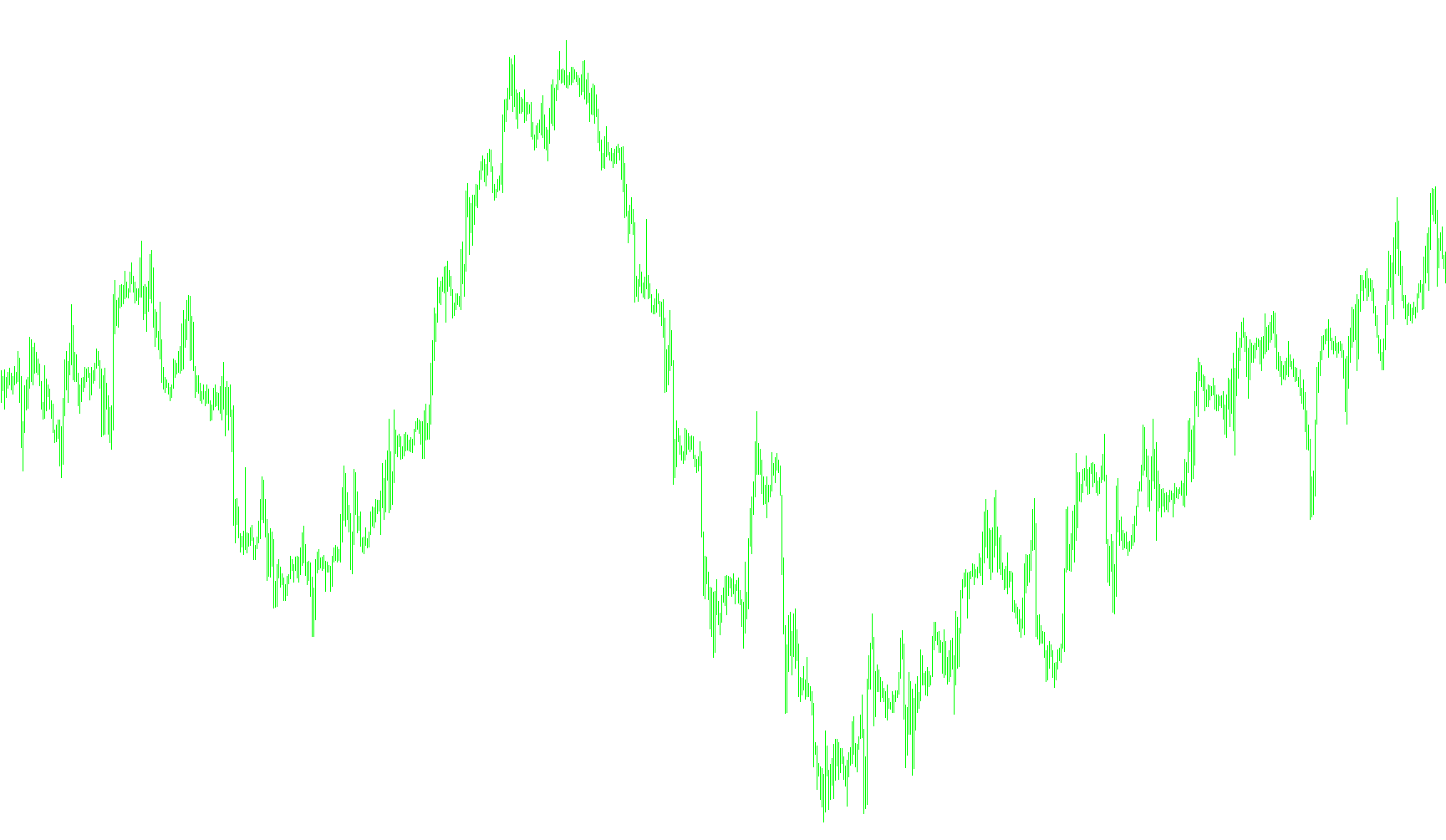
This technical indicator is designed to assist traders by identifying potential entry points in the financial markets through a multi-layered analysis of price momentum, trends, and relative strength. By combining three distinct types of market indicators into a single visual tool, it filters out "market noise" to provide clearer buy and sell signals directly on your trading chart.
Core Analytical Components
The logic operates by simultaneously monitoring three key technical factors:
- Moving Averages: The script tracks two different exponential moving averages (EMA) based on the opening price of candles. These act as the foundation for identifying the current trend direction.
- MACD (Moving Average Convergence Divergence): This is used to measure momentum. The script looks at the relationship between fast and slow moving averages to determine if the market is gaining or losing strength.
- RSI (Relative Strength Index): This measures the speed and change of price movements. It helps identify whether a currency or asset is becoming overbought or oversold.
How the Logic Works
The script processes historical and real-time data to determine when specific conditions are met. Instead of relying on just one signal, it requires a "confluence" of events:
1. Identifying Buy Opportunities (Long Signals) The indicator looks for a specific combination where the momentum becomes positive and the relative strength is healthy. If the MACD value rises above zero while the RSI remains above the 50-level midpoint, the script identifies a bullish sentiment. When these conditions align, it places a visual upward arrow on the chart to signal a potential "Long" entry.
2. Identifying Sell Opportunities (Short Signals) Conversely, the script monitors for bearish shifts. If the MACD value drops below zero and the RSI falls below the 50-level midpoint, it suggests that downward pressure is increasing. In this scenario, the script places a visual downward arrow to highlight a potential "Short" entry.
Visual Output
To make these calculations easy for the trader to interpret at a glance:
- Trend Lines: The script draws two primary lines on your chart representing the Moving Averages, allowing you to see the overall flow of the market price.
- Directional Arrows: Rather than forcing the user to read complex numbers, the script converts the underlying data into clear visual cues (arrows) at the exact point where the trend and momentum conditions intersect.
By using this logic, the tool helps ensure that you are not trading against the prevailing momentum, aiming to provide high-probability signals by requiring multiple mathematical confirmations before appearing on your screen.
/*-----------------------------+
|			       |
| Shared by www.Aptrafx.com    |
|			       |
+------------------------------*/

//+------------------------------------------------------------------+
//| MA + MACD + RSI                               |
//+------------------------------------------------------------------+
#property copyright "Ron T"
#property link      "http://www.lightpatch.com/forex"

#property indicator_chart_window
#property indicator_buffers 5

#property indicator_color1 Red
#property indicator_color2 White

#property indicator_color3 Aqua
#property indicator_color4 LightGreen

#property indicator_color5 DodgerBlue

extern int MovingAvg1=5;
extern int MovingAvg2=8;
extern int RSIPeriod=14;
extern int MACDfast=12;
extern int MACDslow=26;
extern int MACDsignal=9;

//---- buffers
double Buffer0[];
double Buffer1[];
double Buffer2[];
double Buffer3[];
double Buffer4[];


//+------------------------------------------------------------------+
//| Custom indicator initialization function                         |
//|------------------------------------------------------------------|

int init()
  {
   // 233 up arrow
   // 234 down arrow
   // 241 hollow up
   // 242 hollow down
   // 159 big dot
   // 158 little dot
   // 168 open square
   // 120 box with X

   SetIndexStyle(0,DRAW_ARROW);
   SetIndexBuffer(0, Buffer0);
   SetIndexArrow(0,242);

   SetIndexStyle(1,DRAW_ARROW);
   SetIndexBuffer(1, Buffer1);
   SetIndexArrow(1,241);

   SetIndexStyle(2,DRAW_LINE);
   SetIndexBuffer(2, Buffer2);

   SetIndexStyle(3,DRAW_LINE);
   SetIndexBuffer(3, Buffer3);

   SetIndexStyle(4,DRAW_LINE);
   SetIndexBuffer(4, Buffer4);

   return(0);
  }


//+------------------------------------------------------------------+
//| Custor indicator deinitialization function                       |
//+------------------------------------------------------------------+
int deinit()
  {
   int i;

   for( i=0; i<Bars; i++ ) Buffer0[i]=0;
   for( i=0; i<Bars; i++ ) Buffer1[i]=0;
   for( i=0; i<Bars; i++ ) Buffer2[i]=0;
   for( i=0; i<Bars; i++ ) Buffer3[i]=0;
   for( i=0; i<Bars; i++ ) Buffer4[i]=0;

   return(0);
  }


//+------------------------------------------------------------------+
//| Custom indicator iteration function                              |
//+------------------------------------------------------------------+


int start()
  {
   int      pos=Bars-100; // leave room for moving average periods
   int      ctr=0;

   double p=Point();

   double  i0, i1, i2, i3, i4;


   while(pos>=0)
     {

      i0=iMA(Symbol(),0,MovingAvg1,0,PRICE_OPEN,MODE_EMA,pos);
      i1=iMA(Symbol(),0,MovingAvg2,0,PRICE_OPEN,MODE_EMA,pos);
      i2=iMACD(Symbol(),0,MACDfast,MACDslow,MACDsignal,PRICE_OPEN, MODE_SIGNAL,pos);
      i3=iRSI(Symbol(),0,RSIPeriod,PRICE_OPEN,pos);

      Buffer2[pos]=i0;
      Buffer3[pos]=i1;

      //Long
      if (i2>0 && i3>50)
        {
         Buffer1[pos]=High[pos];
        }

      //Short
      if (i2<0 && i3<50)
        {
         Buffer0[pos]=Low[pos];
        }


 	   pos--;
     }

   return(0);
  }
//+------------------------------------------------------------------+
Comments