FX Sniper's MA_001
Download script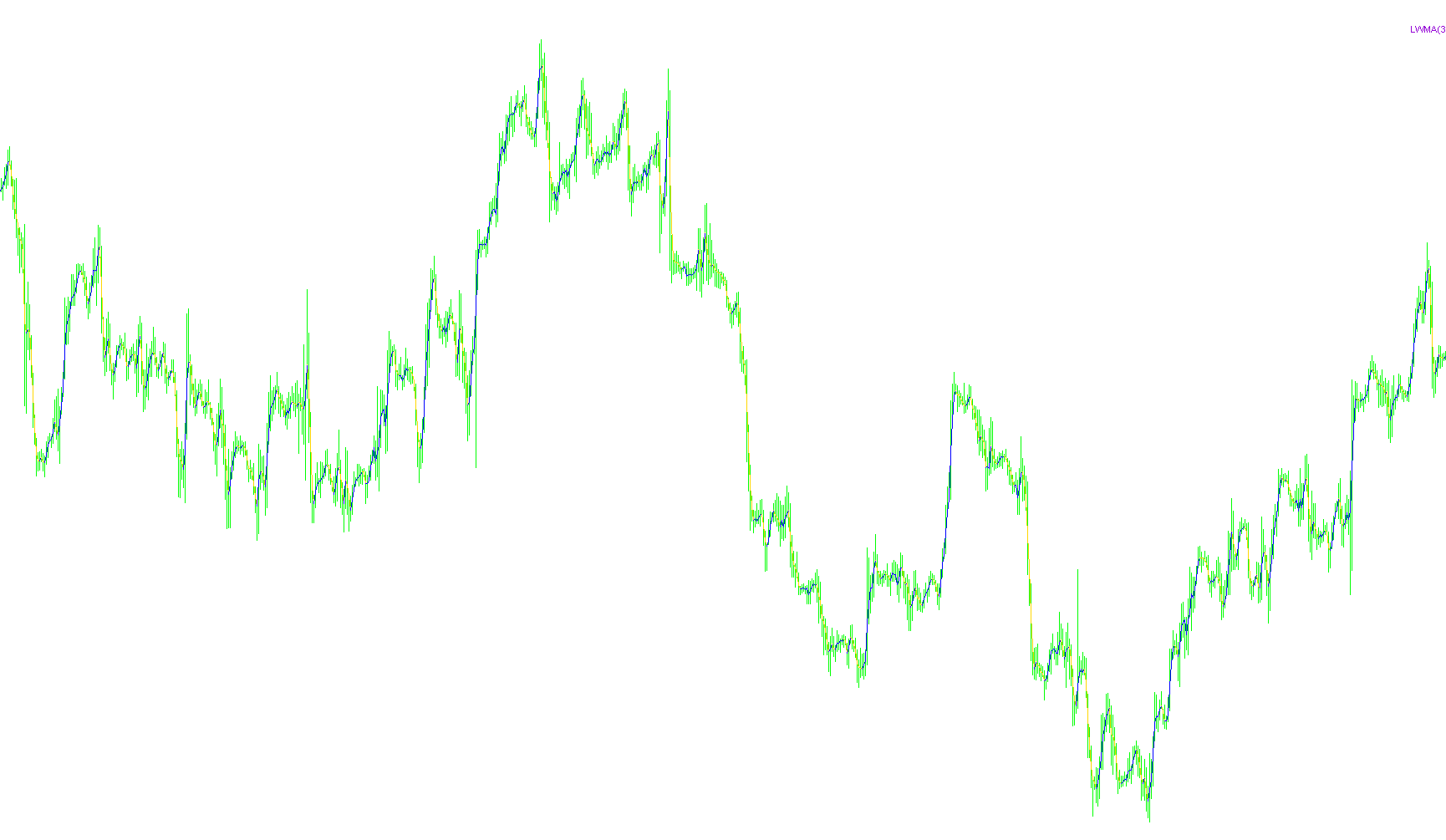
This tool is designed to provide a visual representation of moving averages on a trading chart, specifically focusing on identifying the direction and "momentum" of price trends. Instead of just showing a single continuous line, the script breaks down the behavior of the moving average to highlight specific shifts in trend direction.
Core Functionality
The primary logic of the script revolves around analyzing how a moving average (which can be configured as Simple, Exponential, Smooth, or Linear Weighted) changes from one candle to the next. It monitors whether the average is currently sloping upwards or downwards and reacts to these changes by selectively displaying information on the chart.
How the Logic Works
- Trend Detection: The script constantly compares the current value of the moving average against its previous value.
- Dynamic Visualization: Rather than drawing a standard line, it uses two distinct data "buffers" to manage how information appears:
- When the moving average is rising, the logic identifies this upward momentum and highlights the movement accordingly.
- When the moving average is falling, the logic detects the downward trend.
- Visual Differentiation: By comparing the current value to the previous one, the script effectively "filters" the data. It ensures that the visual output emphasizes the direction of the trend, helping a user quickly see if the price momentum is gaining strength or losing ground.
User Customization & Display
The script is built with a high degree of flexibility for the user's viewing preferences:
- Technical Flexibility: Users can choose the specific type of Moving Average calculation that best suits their strategy (e.g., smoothing out volatility or reacting faster to recent price changes).
- Visual Customization: The tool allows for personalization regarding colors, the length of the period being analyzed, and the visual "shift" of the data.
- On-Screen Labeling: To ensure clarity, the script automatically generates a text label on the chart. This label identifies which specific moving average type and period are currently being displayed, and it can be moved to any of the four corners of the screen for optimal visibility.
In summary, this script acts as a sophisticated trend-tracking overlay. It takes standard moving average data and converts it into a more dynamic visual signal that highlights the direction of price movement, making it easier for traders to identify shifts in market sentiment at a glance.
//+------------------------------------------------------------------+
//|                                                   FX Sniper's MA |
//|                                      Copyright © 2006, FX Sniper |
//+------------------------------------------------------------------+
#property  copyright "Copyright © 2006, FX Sniper "
#property  link      "http://www.metaquotes.net/"

//---- indicator settings
#property  indicator_chart_window
#property  indicator_buffers 2
#property indicator_color1 DarkViolet
#property indicator_color2 Olive
#property indicator_width1 1
#property indicator_width2 1

//---- buffers
double ExtMapBuffer1[];
double ExtMapBuffer2[],ma[];
string objectma1;
string IntToStr(int X)
  {
    return (DoubleToStr(X, 0));
  }

extern string note1 = "Moving Average Type";
extern string note2 = "0=Simple,1=Exponential";
extern string note3 = "2=Smooth,3=Linear Weighted";
extern int MAType = 3;
extern string note4 = "Moving Average Period";
extern int MAPeriod = 3;
extern int MAShift = 0;
extern int PriceType=0;
extern string note5 = "What color?";
extern color MAcolor1 = DarkViolet;
extern string note6 = "Display the info in what corner?";
extern string note7 = "Upper left=0; Upper right=1";
extern string note8 = "Lower left=2; Lower right=3";
extern int    WhatCorner=1;
extern string note9 = "Y distance; add 10 to each MA";
extern int    ydistance1=10;

//+------------------------------------------------------------------+
//| Custom indicator initialization function                         |
//+------------------------------------------------------------------+
int init()
  {
   int    ydistance2;
   string short_name;
//---- 2 additional buffers are used for counting.
   IndicatorBuffers(5);

//---- drawing settings
   SetIndexBuffer(0,ExtMapBuffer1);
   SetIndexBuffer(1,ExtMapBuffer2);
   SetIndexBuffer(2,ma);
   SetIndexStyle(0,DRAW_LINE);
   SetIndexStyle(1,DRAW_LINE);

   switch(MAType)
     {
      case 1 : short_name="EMA";  break;
      case 2 : short_name="SMMA"; break;
      case 3 : short_name="LWMA"; break;
      default :
         MAType=0;
         short_name="SMA";
     }
   if ((WhatCorner == 2) || (WhatCorner == 3))
      {
      ydistance2 = 50+ydistance1;
      }
    else
      {
      ydistance1 = 20+ydistance1;
      }
   objectma1 = "FXSniperMA"+IntToStr(MAPeriod);
   ObjectCreate(objectma1, OBJ_LABEL, 0, 0, 0);
   ObjectSetText(objectma1, short_name+"("+MAPeriod+")", 8, "Arial", MAcolor1);
   ObjectSet(objectma1, OBJPROP_CORNER, WhatCorner);
   ObjectSet(objectma1, OBJPROP_XDISTANCE, 2);
   ObjectSet(objectma1, OBJPROP_YDISTANCE, ydistance1);

//---- initialization done
   return(0);
  }
//+------------------------------------------------------------------+
int deinit()
  {
  ObjectDelete(objectma1);
  return(0);
  }
//+------------------------------------------------------------------+
int start()

  {
      for(int i = Bars-10; i >= 0; i--)
           {
               ma[i]=iMA(NULL,0,MAPeriod,MAShift,MAType,PriceType,i);
           }

     for(int shift = Bars-10; shift >= 0; shift--)
     {
       ExtMapBuffer1[shift] = ma[shift];
       ExtMapBuffer2[shift] = ma[shift];
       //Print (ma[shift]);
        if (ma[shift] > ma[shift+1])
        {
        ExtMapBuffer1[shift] = EMPTY_VALUE;
        ExtMapBuffer2[shift+1] = ma[shift+1];

        }
       else if (ma[shift] < ma[shift+1])
        {
        ExtMapBuffer2[shift] = EMPTY_VALUE;
        ExtMapBuffer1[shift+1] = ma[shift+1];
        }

      }

      return(0);
  }
//+------------------------------------------------------------------+
Comments