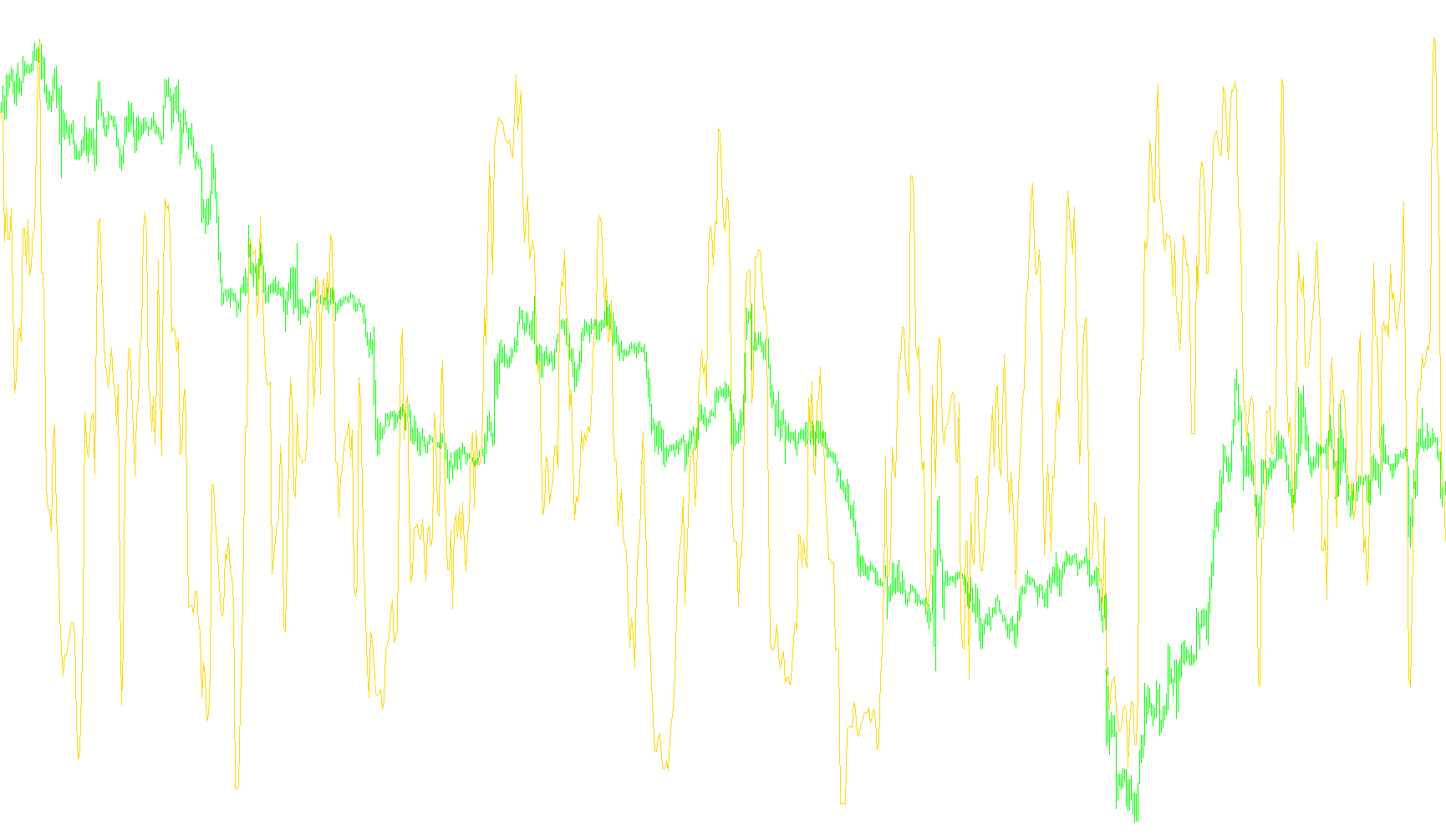
This script is a specialized trading tool designed to help traders identify market momentum and potential reversals by pulling data from different time horizons. Instead of looking at the price action on just one chart (like a 1-minute or 1-hour chart), this tool allows you to "see" into other timeframes simultaneously.
Core Functionality
The primary purpose of this script is Multi-Timeframe (MTF) Analysis. It acts as a bridge, taking the calculations from a standard "DeMarker" indicator—which measures the strength of a price move relative to its recent history—and projecting that data onto your current chart.
For example, if you are trading on a fast 5-minute chart but want to know what the general trend looks like on a daily basis, this script performs that heavy lifting for you automatically.
How it Works
The logic follows a structured three-step process:
- User Customization: The script provides two main settings. You can choose the sensitivity period (how much historical data to look at) and the specific timeframe you want to monitor (ranging from minutes to months).
- Time Synchronization: Because different timeframes have different "speeds," the script contains a logic engine that aligns the dates and times correctly. It maps out where the periods of the higher timeframe fall on your current lower timeframe chart so that the data points line up accurately.
- Data Retrieval: The script runs a continuous loop that "calls" the DeMarker indicator from the background. It retrieves the calculated value for the chosen higher timeframe and draws it as a smooth line in a separate window on your screen.
Key Benefits for Trading
- Contextual Awareness: It prevents you from making decisions based only on short-term price flickers by showing you the "big picture" trend from a larger timeframe.
- Visual Clarity: By plotting this data in a dedicated sub-window with specific levels (0.3 and 0.7), it provides clear visual cues for when a trend might be becoming exhausted or when a new move is gaining strength.
- Automation: It eliminates the need for a trader to manually flip back and forth between different charts to check conditions, keeping all relevant information visible in one workspace.
//+------------------------------------------------------------------+
//|                                                 MTF DeMarker.mq4 |
//|                      Copyright © 2005, MetaQuotes Software Corp. |
//|                                        http://www.metaquotes.net |
//+------------------------------------------------------------------+
#property copyright "Copyright © 2009, MetaQuotes Software Corp."
#property link      "http://www.metaquotes.net"

#property indicator_separate_window
#property indicator_minimum 0
#property indicator_maximum 1
#property indicator_buffers 1
#property indicator_color1 DodgerBlue
#property indicator_level1 0.3
#property indicator_level2 0.7

//---- input parameters
extern int ExtDeMarkerPeriod=14;
extern int TimeFrame=0;

//---- buffers
double ExtDeMarkerMapBuffer[];


//+------------------------------------------------------------------+
//| Custom indicator initialization function                         |
//+------------------------------------------------------------------+
int init()
  {

//---- Indicator line

   SetIndexBuffer(0, ExtDeMarkerMapBuffer);
   SetIndexStyle(0,DRAW_LINE);

//---- name for DataWindow and indicator subwindow label

    switch(TimeFrame)
   {
      case 1 : string TimeFrameStr="Period_M1"; break;
      case 5 : TimeFrameStr="Period_M5"; break;
      case 15 : TimeFrameStr="Period_M15"; break;
      case 30 : TimeFrameStr="Period_M30"; break;
      case 60 : TimeFrameStr="Period_H1"; break;
      case 240 : TimeFrameStr="Period_H4"; break;
      case 1440 : TimeFrameStr="Period_D1"; break;
      case 10080 : TimeFrameStr="Period_W1"; break;
      case 43200 : TimeFrameStr="Period_MN1"; break;
      default : TimeFrameStr="Current Timeframe";
   }
   IndicatorShortName("MTF_DeMarker("+ExtDeMarkerPeriod+")("+TimeFrameStr+")");

   return(0);
  }

//+------------------------------------------------------------------+
//| MTF deMark                                                       |
//+------------------------------------------------------------------+
int start()
  {
   datetime TimeArray[];
   int    i,shift,limit,y=0,counted_bars=IndicatorCounted();

// Plot defined timeframe on to current timeframe
   ArrayCopySeries(TimeArray,MODE_TIME,Symbol(),TimeFrame);

   limit=Bars-counted_bars+TimeFrame/Period();

   for(i=0,y=0;i<limit;i++)
   {
   if (Time[i]<TimeArray[y]) y++;

/***********************************************************
   Add your main indicator loop below.  You can reference an existing
      indicator with its iName  or iCustom.
   Rule 1:  Add extern inputs above for all neccesary values
   Rule 2:  Use 'TimeFrame' for the indicator timeframe
   Rule 3:  Use 'y' for the indicator's shift value
 **********************************************************/

ExtDeMarkerMapBuffer[i]=iCustom(NULL,TimeFrame,"DeMarker",ExtDeMarkerPeriod,0,y);


   }

//


   return(0);
  }

//+------------------------------------------------------------------+
Comments