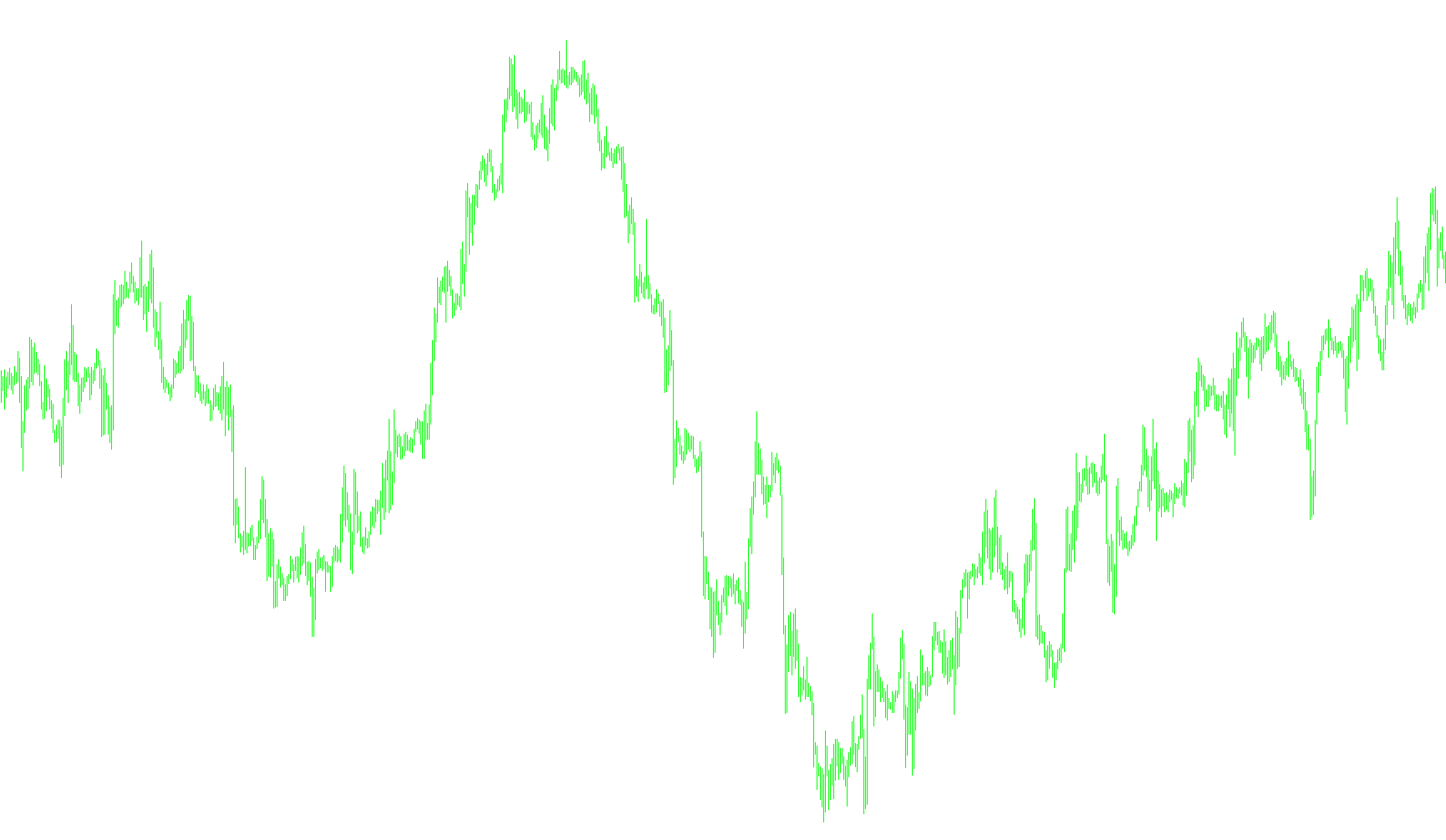
This tool is designed to provide traders with clear visual cues regarding potential price support and resistance levels on a trading chart. It functions by analyzing the Parabolic SAR (Stop and Reverse) indicator—a common technical analysis tool used to identify trend reversals—and identifying specific moments where it interacts significantly with the opening prices of market candles.
How the Logic Works
The script constantly monitors the relationship between the Parabolic SAR values and the opening prices of recent candles. Instead of just showing the standard SAR dots, this logic focuses on "cross-over" events to highlight key structural zones in the market:
-
Resistance Level Detection (Upper Zones): The logic identifies a "High" or Resistance point when the Parabolic SAR value is positioned above the current candle's opening price, while simultaneously moving downward relative to the previous candle. When this specific condition is met, the tool automatically draws a horizontal line and an arrow on your chart. These elements represent potential areas where price may face selling pressure or struggle to break higher.
-
Support Level Detection (Lower Zones): Conversely, the logic identifies a "Low" or Support point when the Parabolic SAR value is positioned below the current candle's opening price while moving upward relative to the previous candle. When this occurs, the tool marks these zones with a different color. These visual markers signify areas where price might find a "floor" and could potentially bounce back up.
Key Visual Features
- Dynamic Horizontal Lines: The script projects horizontal lines from the identified points across the chart. This allows you to see at a glance which price levels are currently relevant for your trading session.
- Directional Arrows: In addition to the lines, the tool places arrows at the exact moment these support and resistance triggers occur, helping you pinpoint the origin of the level.
- Color Coding: The script uses distinct colors (Dark Orange and Dodger Blue) to differentiate between Resistance (overhead pressure) and Support (underlying strength), making it easier to read the market structure quickly.
User Experience
For a trader, this means the chart becomes populated with "landmarks." Rather than guessing where price might react, the logic does the heavy lifting of scanning historical data to highlight these significant zones automatically. It cleans up old data as new candles form, ensuring that your chart remains organized and focused on the most relevant price action.
//+------------------------------------------------------------------+
//|                                           Brooky_Psar_Levels.mq4 |
//|                     Copyright © 2010, www.Brooky-Indicators.com. |
//|                             http://www.www.Brooky-Indicators.com |
//+------------------------------------------------------------------+
#property copyright "Copyright © 2010, www.Brooky-Indicators.com."
#property link      "http://www.www.Brooky-Indicators.com"
extern string Hello_From = " www.Brooky-Indicators.com ";

#property indicator_chart_window
#property indicator_buffers 2
#property indicator_color1 DarkOrange
#property indicator_color2 DodgerBlue
//---- input parameters
extern int          bars_back = 200;
extern double       sar_step = 0.02;
extern double       sar_max = 0.2;
extern int          level_style = 2;
extern int          price_size = 2;
extern color        lowpsar =  DodgerBlue;
extern color        hipsar = DarkOrange;
string              indi = "Brooky-Psar";
//---- buffers
double plow[];
double phi[];
//+------------------------------------------------------------------+
//| Custom indicator initialization function                         |
//+------------------------------------------------------------------+
int init()
  {
//---- indicators
   SetIndexStyle(0,DRAW_ARROW);
   SetIndexArrow(0,118);
   SetIndexBuffer(0,plow);
   SetIndexEmptyValue(0,0.0);

   SetIndexStyle(1,DRAW_ARROW);
   SetIndexArrow(1,118);
   SetIndexBuffer(1,phi);
   SetIndexEmptyValue(1,0.0);

   IndicatorShortName(indi);
//----
   return(0);
  }
//+------------------------------------------------------------------+
//| Custom indicator deinitialization function                       |
//+------------------------------------------------------------------+
int deinit()
  {
//----
     for(int j=0; j<bars_back; j++)
     {
     string timedelete = TimeToStr(iTime(NULL,0,j));

     ObjectDelete(indi+"Sup"+timedelete);
     ObjectDelete(indi+"Res"+timedelete);
     ObjectDelete(indi+"aUp"+timedelete);
     ObjectDelete(indi+"aDn"+timedelete);


     }
     Comment("");
//----
   return(0);
  }
//+------------------------------------------------------------------+
//| Custom indicator iteration function                              |
//+------------------------------------------------------------------+
  int start()
    {
     int limit;
     int counted_bars=IndicatorCounted();
  //---- check for possible errors
     if(counted_bars<0) return(-1);
  //---- the last counted bar will be recounted
     if(counted_bars>0) counted_bars--;
     limit=Bars-counted_bars;

     if(limit>bars_back)limit=bars_back;
  //---- main loop
     double mysarnow,myopen,mysarb4,myopenb4;


     for(int i=0; i<limit; i++)
       {


     string bardelete = TimeToStr(iTime(NULL,0,i));
     string firstbardelete = TimeToStr(iTime(NULL,0,bars_back));


     ObjectDelete(indi+"Sup"+firstbardelete);
     ObjectDelete(indi+"Res"+firstbardelete);
     ObjectDelete(indi+"aUp"+firstbardelete);
     ObjectDelete(indi+"aDn"+firstbardelete);


        mysarnow = iSAR(NULL,0,sar_step,sar_max,i);
        mysarb4 = iSAR(NULL,0,sar_step,sar_max,i+1);

        myopen = iOpen(NULL,0,i);
        myopenb4 = iOpen(NULL,0,i+1);

        if(mysarnow>=myopen && mysarb4<myopenb4)
         {
                     plow[i]=mysarnow;


              	      string res = indi+"Res"+bardelete;


                     ObjectCreate(res, OBJ_HLINE, 0, Time[i], mysarnow);
                     ObjectSet(res, OBJPROP_STYLE, level_style);
                     ObjectSet(res, OBJPROP_COLOR,hipsar);
                     ObjectSet(res, OBJPROP_RAY,1);

                     string named = indi+"aDn"+bardelete;

                     ObjectCreate(named,OBJ_ARROW, 0, Time[i], mysarnow);
                     ObjectSet(named, OBJPROP_STYLE, STYLE_SOLID);
                     ObjectSet(named, OBJPROP_ARROWCODE, 5);
                     ObjectSet(named, OBJPROP_COLOR,hipsar);
                     ObjectSet(named, OBJPROP_WIDTH,price_size);


         }else plow[i]=0.0;


        if(mysarnow<=myopen && mysarb4>myopenb4)
        {

                     phi[i]=mysarnow;
              	      string sup = indi+"Sup"+bardelete;

                     ObjectCreate(sup, OBJ_HLINE, 0, Time[i], mysarnow);
                     ObjectSet(sup, OBJPROP_STYLE, level_style);
                     ObjectSet(sup, OBJPROP_COLOR,lowpsar);
                     ObjectSet(sup, OBJPROP_RAY,1);

                     string nameu = indi+"aUp"+bardelete;

                     ObjectCreate(nameu,OBJ_ARROW, 0, Time[i], mysarnow);
                     ObjectSet(nameu, OBJPROP_STYLE, STYLE_SOLID);
                     ObjectSet(nameu, OBJPROP_ARROWCODE, 5);
                     ObjectSet(nameu, OBJPROP_COLOR,lowpsar);
                     ObjectSet(nameu, OBJPROP_WIDTH,price_size);


         }else phi[i]=0.0;


       }
  //---- done
     return(0);
    }
//+------------------------------------------------------------------+
Comments