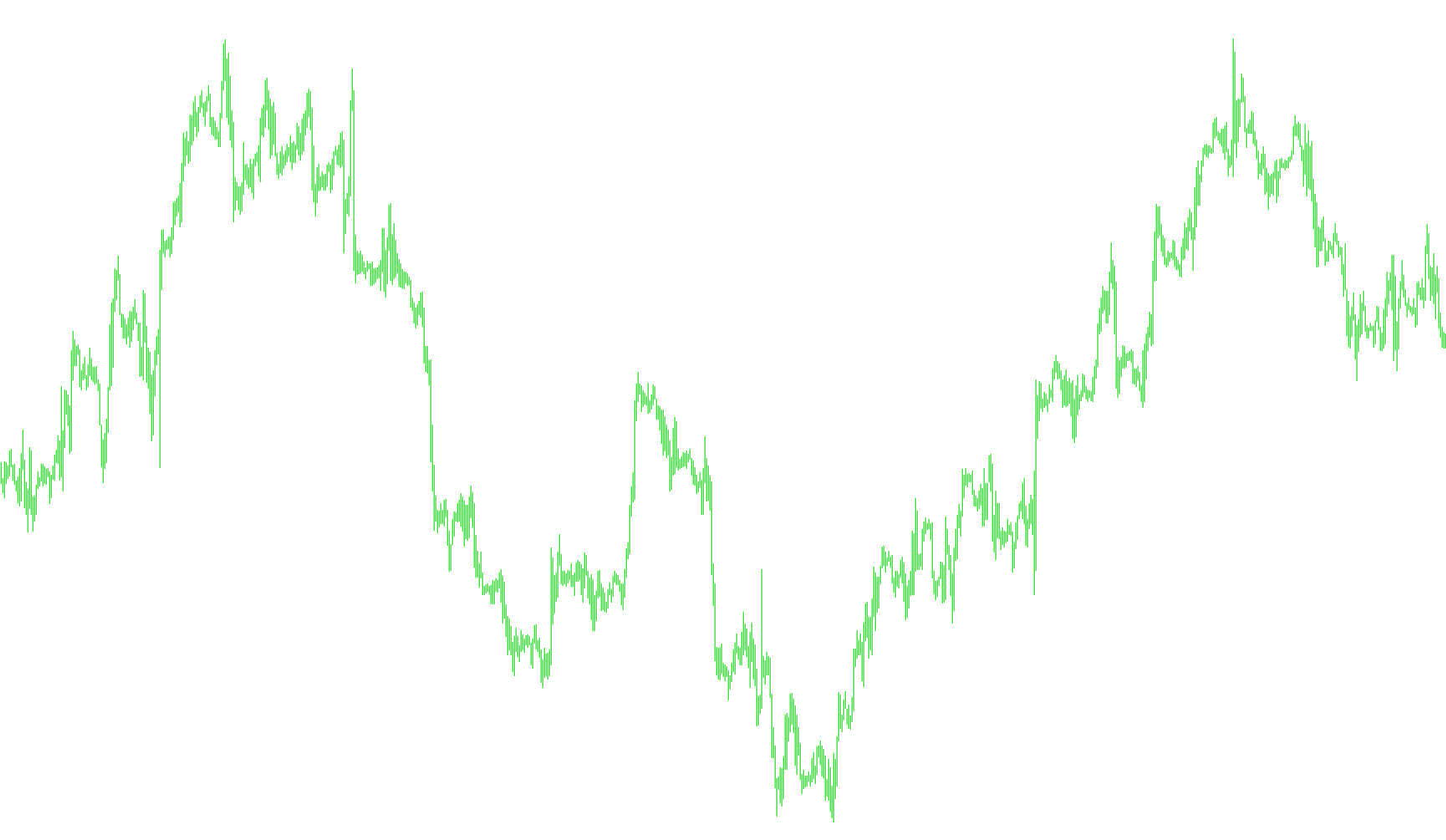
This script is a specialized data collection tool designed for traders who want to perform deep historical analysis of market trends using external software like Microsoft Excel. Rather than placing live trades, this tool acts as an automated "data logger" that captures specific technical indicators and price points over a chosen period of time.
How it Works
The script functions by scanning historical market data and extracting four key pieces of information for every candle (price bar) on a chart:
- The Date and Time: To establish a chronological timeline.
- The Result: The specific value of the MACD (Moving Average Convergence Divergence) indicator at that moment.
- The Opening Price: The price at which the candle started.
- The Closing Price: The price at which the candle finished.
The Workflow
- Initialization: When you start the script in the MetaTrader Strategy Tester, it automatically creates a new file formatted as a CSV (Comma Separated Values). It names this file based on the specific currency pair and timeframe you are testing (for example, "EURUSDH1.csv").
- Data Recording: As the software simulates the past market history, the script moves through the timeline bar by bar. For every single bar, it calculates the MACD value using customizable settings (Fast, Slow, and Signal periods) and writes all the relevant data into the file.
- Completion: Once the simulation finishes, the script closes the file to ensure all data is saved correctly.
Practical Use Case
Because the output is a CSV file, it is highly portable. Once the script has finished its run, you can find the resulting file in your MetaTrader folders. You can then open this file in Excel or any other spreadsheet program to create your own custom charts, calculate different statistics, or perform "back-testing" research without having to manually export data from the trading platform.
//+------------------------------------------------------------------+
//|                                              WriteDataSeries.mq4 |
//|                                                     Ibrahim Noor |
//|                           http://winning-solution.com/?id=baim78 |
//+------------------------------------------------------------------+
#property copyright "Ibrahim Noor"
#property link      "http://winning-solution.com/?id=baim78"

extern int    Fast=12;
extern int    Slow=26;
extern int    Signal=9;

int handle;
string report_name;

/*
Put it on metatrader 4\experts\ folder
This EA just to write data series of prices for further analysis.
Run in with Strategy Tester, select this EA, select Model Open prices only (for faster)
select symbol and set use date, start.
File data series will be in metatrader 4\tester\files\ with csv extension
You can open and edit it with Excel or other Analysis programs for further analysis.

In this original, it use MACD Main for result, you can change your own favorite signal.
*/

//+------------------------------------------------------------------+
//| expert initialization function                                   |
//+------------------------------------------------------------------+
int init()
  {
//----
   report_name= StringConcatenate(Symbol(),Period(),".csv");
   handle=FileOpen(report_name,FILE_CSV|FILE_WRITE,';');
   if(handle<1) {
      Print("Failed to Open File: ",report_name);
      return;
   } else {
      Print("Succes to Open File: ",report_name);
   }
   FileWrite(handle,"Date Time","Result","Open","Close");

//----
   return(0);
  }
//+------------------------------------------------------------------+
//| expert deinitialization function                                 |
//+------------------------------------------------------------------+
int deinit()
  {
//----
   FileClose(handle);
   Print("File Closed: ",report_name);
//----
   return(0);
  }
//+------------------------------------------------------------------+
//| expert start function                                            |
//+------------------------------------------------------------------+
int start()
  {
//----
   double MACD_Main;
   MACD_Main = NormalizeDouble(iMACD(Symbol(),0,Fast,Slow,Signal,0,0,1),5);
   FileWrite(handle,TimeToStr(Time[1]),MACD_Main,Open[1],Close[1]);
//----
   return(0);
  }
//+------------------------------------------------------------------+
Comments