TRO market price
Download script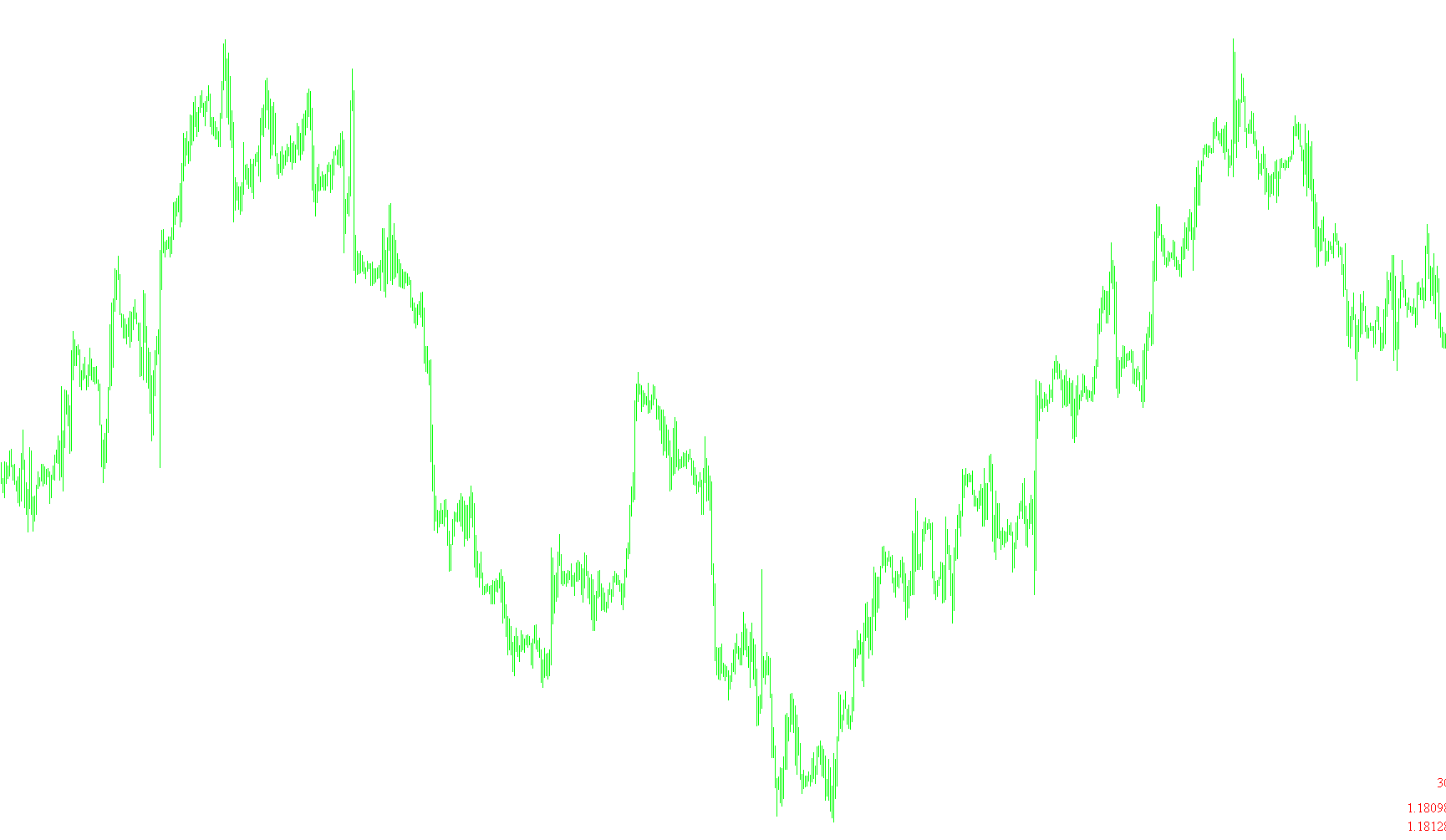
Tool Overview: Magnified Market Price
This tool is designed to provide traders with a clear, real-time visual dashboard directly on their trading chart. Instead of constantly monitoring the small numbers in the "Market Watch" window or looking at tiny price ticks on the candles, this script pulls the most critical market data and displays it in a large, easy-to-read format in a specific corner of your screen.
Key Features and Logic:
1. Real-Time Price Display The script identifies and extracts three primary pieces of information from the live market:
- The Ask Price: The price at which you can buy a currency or asset.
- The Bid Price: The price at which you can sell a currency or asset.
- The Spread: The difference between the Bid and the Ask prices (the cost of the trade).
2. Dynamic Color Coding To help traders instantly recognize market movement without having to study the numbers closely, the tool includes an automated color-changing logic:
- Upward Movement: If the current price is higher than the previous tick, the text automatically turns green.
- Downward Movement: If the current price is lower than the previous tick, the text automatically turns red. This allows for a "heat map" style of monitoring where color changes signal immediate volatility or trend direction.
3. Customization Options The script provides several user-friendly settings to ensure the display fits your personal trading layout:
- Visual Style: You can choose the specific font type (e.g., Times New Roman) and the size of the text to ensure it is readable from a distance or on different screen resolutions.
- Positioning: You can select which corner of the chart the information appears in (Upper Left, Upper Right, Lower Left, or Lower Right), allowing you to keep the data visible while still having plenty of room to view your charts.
4. Automated Maintenance The script is designed to be "clean." It automatically manages the creation and removal of the text labels on your chart, ensuring that when you remove the indicator, it leaves no leftover icons or clutter behind.
//+------------------------------------------------------------------+
//| Magnified Market Price.mq4        ver1.4             by Habeeb   |
//+------------------------------------------------------------------+

#property indicator_chart_window

  extern string note1 = "Change font colors automatically? True = Yes";
  extern bool   Bid_Ask_Colors = True;
  extern string note2 = "Default Font Color";
  extern color  FontColor = Black;
  extern color FontColor2 = Black;
  extern string note3 = "Font Size";
  extern int    FontSize=20;
  extern string note4 = "Font Type";
  extern string FontType="Times new roman";
  extern string note5 = "Display the price in what corner?";
  extern string note6 = "Upper left=0; Upper right=1";
  extern string note7 = "Lower left=2; Lower right=3";
  extern int    WhatCorner=3;

  double        Old_Price;
  double        Old_Price2;
  double       SpreadPrice;

int init()
  {
   return(0);
  }

int deinit()
  {
  ObjectDelete("Market_Price_Label");
  ObjectDelete("Market_Price_Label2");
  ObjectDelete("Market_Price_Label3");


  return(0);
  }

int start()
  {
   if (Bid_Ask_Colors == True)
   {
    if (Bid > Old_Price) FontColor = LawnGreen;
    if (Bid < Old_Price) FontColor = Red;
    if (Ask > Old_Price2) FontColor2 = LawnGreen;
    if (Ask < Old_Price2) FontColor2 = Red;
    Old_Price = Bid;
    Old_Price2 = Ask;
    SpreadPrice = (Ask-Bid)/Point;
   }

   string Market_Price2 = DoubleToStr(Ask, Digits);
   string Market_Price = DoubleToStr(Bid, Digits);
   string Market_Spread = DoubleToStr(SpreadPrice,0);


   ObjectCreate("Market_Price_Label2", OBJ_LABEL, 0, 0, 0);
   ObjectSetText("Market_Price_Label2", Market_Price2, FontSize, FontType, FontColor2);
   ObjectSet("Market_Price_Label2", OBJPROP_CORNER, WhatCorner);
   ObjectSet("Market_Price_Label2", OBJPROP_XDISTANCE, 1);
   ObjectSet("Market_Price_Label2", OBJPROP_YDISTANCE, 10);

   ObjectCreate("Market_Price_Label", OBJ_LABEL, 0, 0, 0);
   ObjectSetText("Market_Price_Label", Market_Price, FontSize, FontType, FontColor2);
   ObjectSet("Market_Price_Label", OBJPROP_CORNER, WhatCorner);
   ObjectSet("Market_Price_Label", OBJPROP_XDISTANCE, 1);
   ObjectSet("Market_Price_Label", OBJPROP_YDISTANCE, (FontSize+20));

   ObjectCreate("Market_Price_Label3", OBJ_LABEL, 0, 0, 0);
   ObjectSetText("Market_Price_Label3", Market_Spread, FontSize, FontType, FontColor2);
   ObjectSet("Market_Price_Label3", OBJPROP_CORNER, WhatCorner);
   ObjectSet("Market_Price_Label3", OBJPROP_XDISTANCE, 1);
   ObjectSet("Market_Price_Label3", OBJPROP_YDISTANCE, (FontSize+50));

  }
Comments