#MTF Stochastic_001
Download script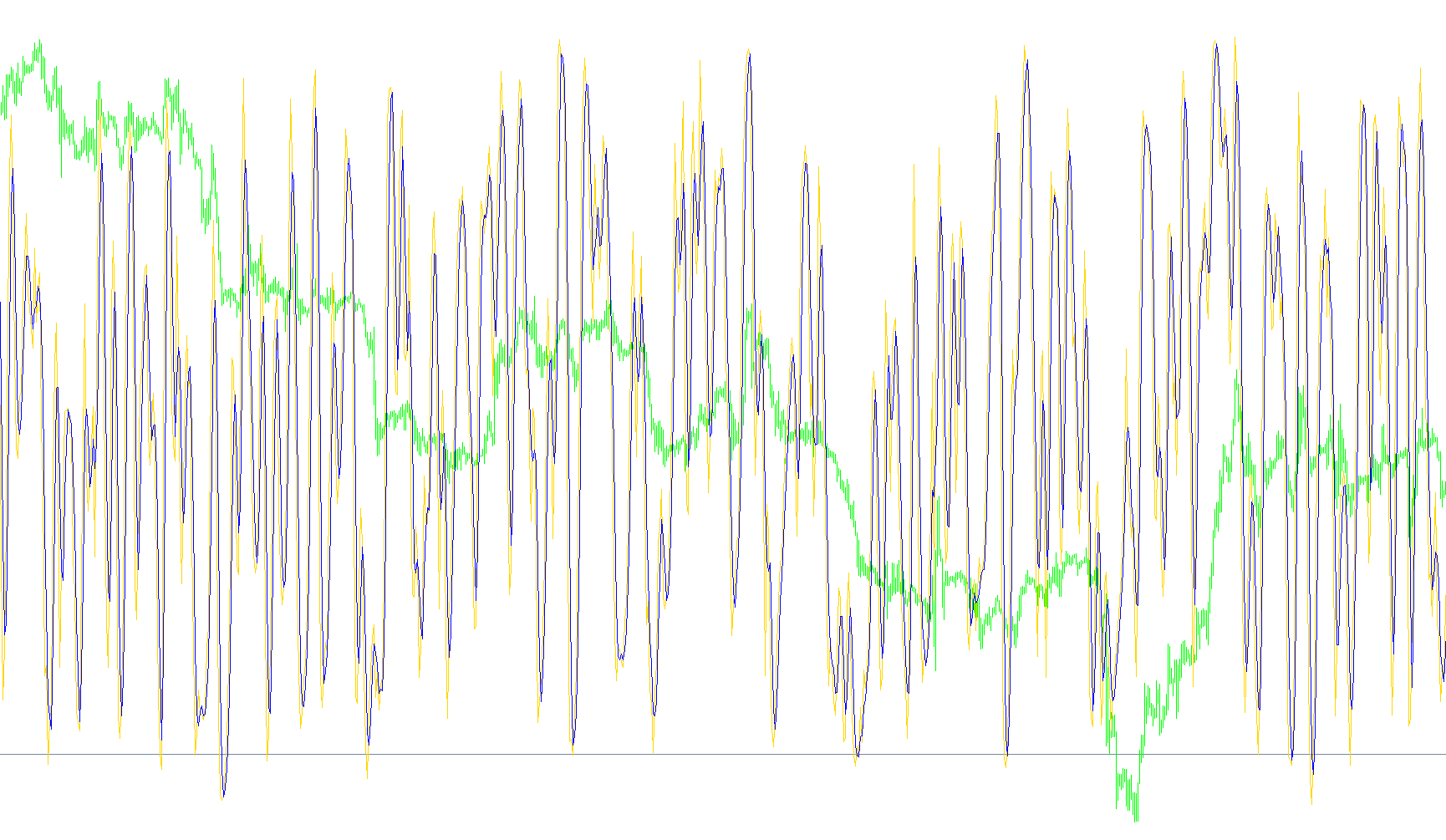
This script is a specialized technical analysis tool designed for the MetaTrader platform. It enhances the standard Stochastic Oscillator by allowing traders to view data from different timeframes simultaneously on a single chart.
Core Functionality
The primary purpose of this tool is "Multi-Timeframe" (MTF) analysis. While most indicators only show data based on the specific timeframe you are currently viewing (for example, only seeing 15-minute price action), this script can pull data from larger timeframes—such as Daily or Weekly periods—and project them onto your current screen.
Key Features and Logic
- Timeframe Flexibility: You can choose specifically which higher timeframe you want to monitor. This allows you to keep an eye on the "big picture" (like daily trends) while making trades on smaller, faster charts (like 1-hour or 15-minute charts).
- Customizable Stochastic Settings: The script includes standard adjustable parameters for the Stochastic Oscillator, including the periods for calculation, smoothing factors, and the type of moving average used. You can also choose whether the indicator calculates based on the high/low prices or the closing prices.
- Visual Smoothness (Linear Interpolation): A standout feature of this script is how it handles the "gap" between timeframes. When viewing a higher timeframe (like a Daily chart) on a lower timeframe (like a 1-hour chart), the data points can often appear as jagged, disconnected steps. To solve this, the script uses Linear Interpolation. This mathematical process creates a smooth transition between data points, ensuring that the indicator line moves fluidly across your chart rather than jumping abruptly.
- Real-Time Calculation: The script is designed to update dynamically. It calculates the position of the "current" bar in the higher timeframe and distributes that value across the smaller bars accurately so that the information remains relevant as new price data arrives.
Summary for the User
By using this tool, you can see if a larger market trend supports your current trade idea without having to constantly flip back and forth between different windows. It provides a cleaner, more integrated view of market momentum by blending high-level market trends with your immediate trading timeframe.
//+------------------------------------------------------------------+
//|                                               MTF Stochastic.mq4 |
//|													2007, Christof Risch (iya)	|
//| Stochastic indicator from any timeframe.									|
//+------------------------------------------------------------------+
#property link "http://www.forexfactory.com/showthread.php?t=30109"
#property indicator_separate_window
#property indicator_buffers	2
#property indicator_color1		LightSeaGreen
#property indicator_color2		Red
#property indicator_level1		80
#property indicator_level2		20
#property indicator_maximum	100
#property indicator_minimum	0

//---- input parameters
extern int	TimeFrame	= 0,		// {1=M1, 5=M5, 15=M15, ..., 1440=D1, 10080=W1, 43200=MN1}
				KPeriod		= 5,
				DPeriod		= 3,
				Slowing		= 3,
				MAMethod		= 0,		// {0=SMA, 1=EMA, 2=SMMA, 3=LWMA}
				PriceField	= 0;		// {0=Hi/Low, 1=Close/Close}

//---- indicator buffers
double		Buffer1[],
				Buffer2[];

//+------------------------------------------------------------------+
//| Custom indicator initialization function                         |
//+------------------------------------------------------------------+
int init()
{
//---- indicator lines
	SetIndexBuffer(0,Buffer1);
	SetIndexBuffer(1,Buffer2);
 	SetIndexStyle(0,DRAW_LINE);
	SetIndexStyle(1,DRAW_LINE);

//---- name for DataWindow and indicator subwindow label
	string TimeFrameStr;
	switch(TimeFrame)
	{
		case 1:		TimeFrameStr="Period M1"; break;
		case 5:		TimeFrameStr="Period M5"; break;
		case 15:		TimeFrameStr="Period M15"; break;
		case 30:		TimeFrameStr="Period M30"; break;
		case 60:		TimeFrameStr="Period H1"; break;
		case 240:	TimeFrameStr="Period H4"; break;
		case 1440:	TimeFrameStr="Period D1"; break;
		case 10080:	TimeFrameStr="Period W1"; break;
		case 43200:	TimeFrameStr="Period MN1"; break;
		default:		TimeFrameStr="Current Timeframe";
	}

	IndicatorShortName(TimeFrameStr+" Stoch("+KPeriod+","+DPeriod+","+Slowing+")");
}


//+------------------------------------------------------------------+
//| MTF Stochastic                                                   |
//+------------------------------------------------------------------+
int start()
{
	for(int i = Bars-1-IndicatorCounted(); i >= 0; i--)
	{
		int shift1 = iBarShift(NULL,TimeFrame,Time[i]),
			 time1  = iTime    (NULL,TimeFrame,shift1),
			 shift2 = iBarShift(NULL,0,time1);

		Buffer1[shift2] = iStochastic(NULL,TimeFrame,KPeriod,DPeriod,Slowing,MAMethod,PriceField,0,shift1);
		Buffer2[shift2] = iStochastic(NULL,TimeFrame,KPeriod,DPeriod,Slowing,MAMethod,PriceField,1,shift1);

	//----
	//	linear interpolation for indicators from a higher timeframe
		if(TimeFrame <= Period())
			continue;

	//----
	//	current candle
		if(shift1==0)
			for(int n = 1; shift2-n >= 0; n++)
			{
				Buffer1[shift2-n] = Buffer1[shift2];
				Buffer2[shift2-n] = Buffer2[shift2];
			}

	//	count number of intermediate bars
		for(n = 1; shift2+n < Bars && Time[shift2+n] > iTime(NULL,TimeFrame,iBarShift(NULL,TimeFrame,Time[shift2+n],true)); n++)
			continue;

	//----
	//	apply interpolation
		double factor = 1.0 / n;
		for(int k = 1; k < n; k++)
		{
			Buffer1[shift2+k] = k*factor*Buffer1[shift2+n] + (1.0-k*factor)*Buffer1[shift2];
			Buffer2[shift2+k] = k*factor*Buffer2[shift2+n] + (1.0-k*factor)*Buffer2[shift2];
		}
	}


	return(0);
}
Comments