Magnified Market Price
Download script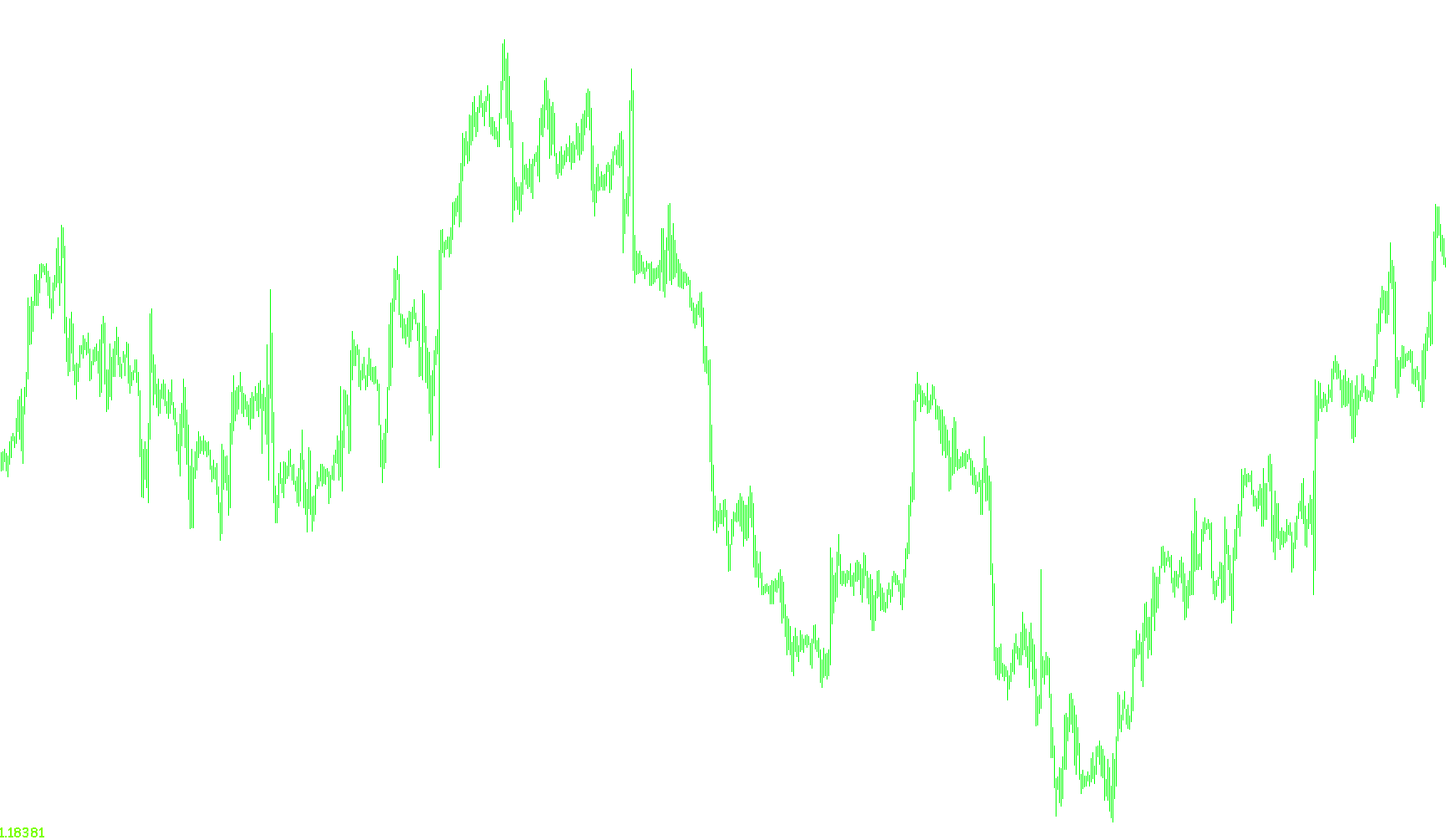
This tool is designed to provide a clear, high-visibility display of the current market price directly on your trading chart. It acts as a real-time visual tracker, making it easier for traders to monitor live price movements without having to constantly glance at the small price ticker or the main quotation window.
Key Functionalities
Dynamic Price Tracking The core purpose of this script is to extract the current "Bid" price from the market and display it as a large, easy-to-read text label on your screen. It automatically adjusts the number of decimal places to match the specific asset you are trading, ensuring the information is always accurate to the market's specifications.
Smart Color Coordination One of the most useful features is the automated color-coding system. When enabled, the script "remembers" the previous price. If the current price is moving upward, the display text turns green; if the price is dropping, the text turns red. This provides an instant visual cue regarding market momentum without requiring manual analysis.
Fully Customizable Display To ensure the tool fits your specific trading setup, it offers a variety of personalization options:
- Positioning: You can choose exactly where on your screen the price should appear (e.g., upper left, upper right, lower left, or lower right corners).
- Visual Style: You can customize the font type, the size of the text (making it large enough to see from a distance), and the base color of the display.
- Automatic Adjustments: The script includes logic to handle the transition between colors automatically based on price action, allowing for a seamless flow of information.
How It Works in Practice
Every time the market moves, the script performs a quick check of the latest price. It compares this new price against the previous one to determine if the market is rising or falling. Once determined, it updates the on-screen label instantly, ensuring that your trading dashboard always reflects the most current market data in a format tailored to your visual preferences.
//+------------------------------------------------------------------+
//| Magnified Market Price.mq4        ver1.4             by Habeeb   |
//+------------------------------------------------------------------+

#property indicator_chart_window

  extern string note1 = "Change font colors automatically? True = Yes";
  extern bool   Bid_Ask_Colors = True;
  extern string note2 = "Default Font Color";
  extern color  FontColor = Black;
  extern string note3 = "Font Size";
  extern int    FontSize=24;
  extern string note4 = "Font Type";
  extern string FontType="Comic Sans MS";
  extern string note5 = "Display the price in what corner?";
  extern string note6 = "Upper left=0; Upper right=1";
  extern string note7 = "Lower left=2; Lower right=3";
  extern int    WhatCorner=2;

  double        Old_Price;

int init()
  {
   return(0);
  }

int deinit()
  {
  ObjectDelete("Market_Price_Label");

  return(0);
  }

int start()
  {
   if (Bid_Ask_Colors == True)
   {
    if (Bid > Old_Price) FontColor = LawnGreen;
    if (Bid < Old_Price) FontColor = Red;
    Old_Price = Bid;
   }

   string Market_Price = DoubleToStr(Bid, Digits);

   ObjectCreate("Market_Price_Label", OBJ_LABEL, 0, 0, 0);
   ObjectSetText("Market_Price_Label", Market_Price, FontSize, FontType, FontColor);
   ObjectSet("Market_Price_Label", OBJPROP_CORNER, WhatCorner);
   ObjectSet("Market_Price_Label", OBJPROP_XDISTANCE, 1);
   ObjectSet("Market_Price_Label", OBJPROP_YDISTANCE, 1);
  }
Comments