MA_Value
Download script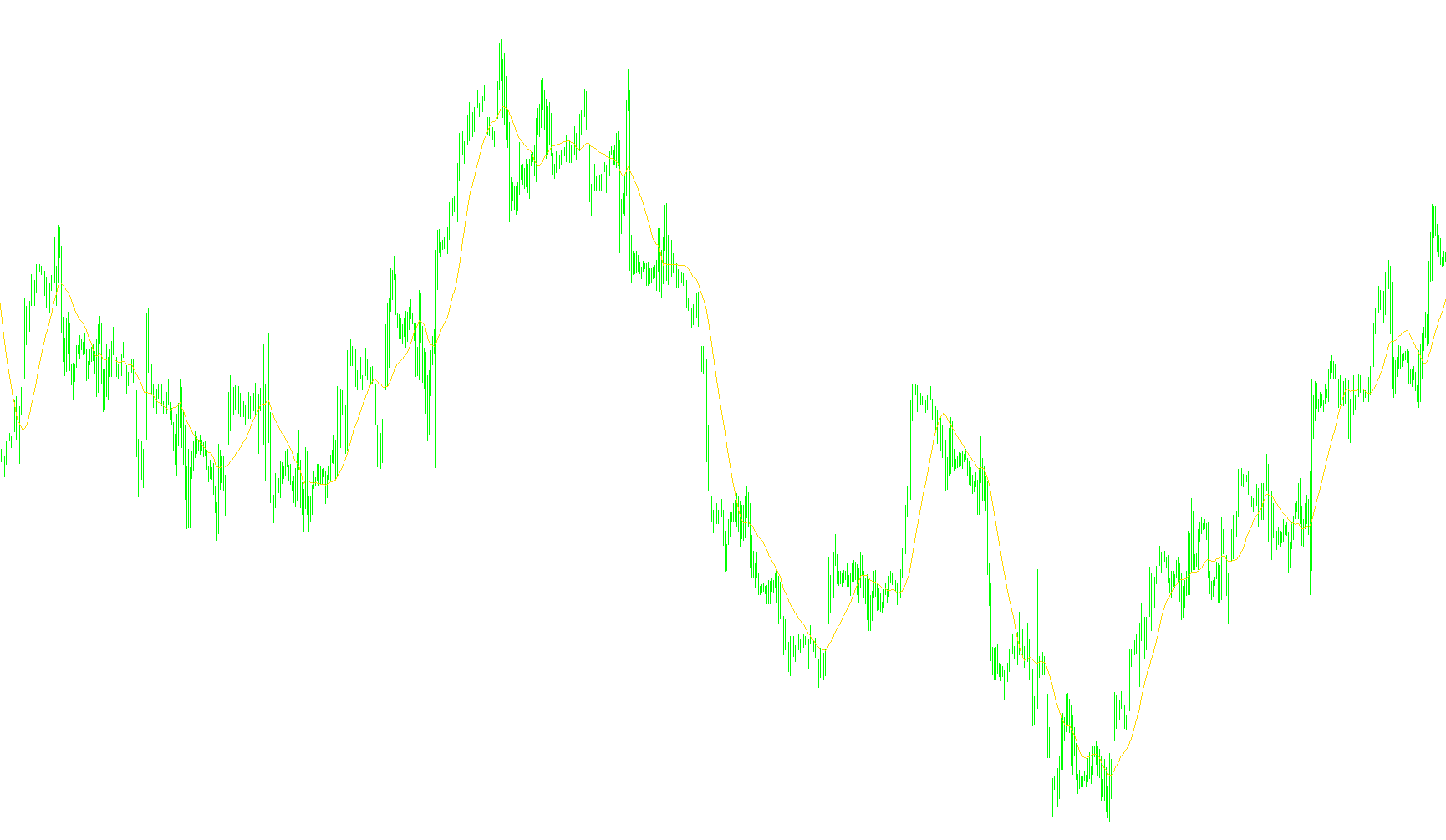
This tool is designed as a custom technical indicator for trading platforms, specifically created to help traders visualize and monitor Moving Averages (MA) on their price charts. It simplifies the process of identifying trend directions and momentum by calculating various types of moving averages based on user-defined preferences.
Core Functionality
Customizable Trend Analysis The script allows you to choose how the Moving Average is calculated. Instead of being locked into one type of calculation, it supports four different standard methods:
- Simple (SMA): A basic average that treats all data points equally.
- Exponential (EMA): Gives more weight to recent price action for faster response to new trends.
- Smoothed (SMMA): A "softer" average designed to reduce market noise.
- Weighted (LWMA): Assigns specific weights to different periods to emphasize certain price movements.
Dynamic Visual Settings Users can tailor the indicator to suit their specific trading style by adjusting several key parameters:
- Period: Defines how many previous candles/bars are included in the calculation (e.g., a 21-period average).
- Price Source: You can choose which price data the average is based on, such as the Opening price, Closing price, Highs, Lows, or a Median of these values.
- Shift: This allows you to move the visual line forward or backward on the chart for different analytical perspectives.
Technical Behavior and User Experience
The script operates with a focus on efficiency and clarity:
- Automatic Labeling: The indicator intelligently updates its name on your chart based on the settings you choose (for example, displaying "EMA(21)" clearly in the corner).
- Real-Time Data Processing: It automatically detects the current market history. If there isn't enough historical data to fulfill your chosen "Period" setting, the indicator will wait until enough data is available before attempting to draw.
- On-Screen Dashboard: In addition to drawing a solid line directly on your price chart, the script provides a live reading in the corner of the screen. It displays the exact numerical value of the current Moving Average, allowing for quick reference without needing to hover over the line.
- Smooth Rendering: The script is designed to update continuously as new price data arrives, ensuring that the visual line and the numerical values remain synchronized with the live market.
Indicators Used
Miscellaneous
8
Views
0
Downloads
0
Favorites
MA_Value
//+------------------------------------------------------------------+
//|                                                     MA_Value.mq4 |
//|                                   Copyright © 2009, Serega Lykov |
//|                                       http://mtexperts.narod.ru/ |
//+------------------------------------------------------------------+

#property copyright "Copyright © 2009, Serega Lykov"
#property link      "http://mtexperts.narod.ru/"

//---- property of indicator ----------------------------------------+
#property indicator_chart_window
#property indicator_buffers 1
#property indicator_color1 Red

//---- external parameters ------------------------------------------+
extern int    MA_Period           = 21;       // the period for MA
extern int    MA_Method           = 0;        // the method for MA: 0 = Simple, 1 = Exponential,
                                              // 2 = Smoothed, 3 = Weighted
extern int    MA_Price            = 0;        // the price for MA:  0 = PRICE_CLOSE, 1 = PRICE_OPEN,
                                              // 2 = PRICE_HIGH,    3 = PRICE_LOW,   4 = PRICE_MEDIAN,
                                              // 5 = PRICE_TYPICAL, 6 = PRICE_WEIGHTED
extern int    MA_Shift            = 0;        // the shift for MA

//---- buffers ------------------------------------------------------+
static double MABuffer[];

//---- global variables ---------------------------------------------+
static string short_name;

//-------------------------------------------------------------------+
//---- initialization of indicator ----------------------------------+
//-------------------------------------------------------------------+
int init()
  {
   //---- set a "short" name of the indicator -----------------------+
   switch(MA_Method)
     {
      case 1: { short_name = "EMA(";  break; }
      case 2: { short_name = "SMMA("; break; }
      case 3: { short_name = "LWMA("; break; }
      default:  short_name = "SMA(";
     }
   short_name = StringConcatenate(short_name,MA_Period,")");
   IndicatorShortName(short_name);
   //---- set a accuracy for values of the indicator ----------------+
   IndicatorDigits(Digits);
   //---- set a style for line --------------------------------------+
   SetIndexStyle(0,DRAW_LINE,STYLE_SOLID);
   //---- set a arrays for line -------------------------------------+
   SetIndexBuffer(0,MABuffer);
   //---- set a first bar for drawing the line ----------------------+
   SetIndexDrawBegin(0,MA_Period);
   //---- set a names for lines -------------------------------------+
   SetIndexLabel(0,short_name);
   //---- finish of initialization ----------------------------------+
   return(0);
  }

//-------------------------------------------------------------------+
//---- deinitialization of indicator --------------------------------+
//-------------------------------------------------------------------+
int deinit()
  {
   Comment("");
   return(0);
  }

//-------------------------------------------------------------------+
//---- MA and its value in comment of chart -------------------------+
//-------------------------------------------------------------------+
int start()
  {
   //---- if on the chart there are not enough bars the indicator is not calculate
   if(Bars <= MA_Period) return(0);
   //---- amount not changed bars after last call of the indicator --+
   int counted_bars = IndicatorCounted();
   if(counted_bars < 0) return(-1);
   //---- last counted bar will be counted --------------------------+
   if(counted_bars > 0) counted_bars--;
   int limit = Bars - counted_bars;
   //---- get value of MA -------------------------------------------+
   for(int i=0; i<limit; i++) MABuffer[i] = iMA(NULL,0,MA_Period,MA_Shift,MA_Method,MA_Price,i);
   //---- display value of MA in comment of chart -------------------+
   Comment(StringConcatenate(short_name," = ",DoubleToStr(MABuffer[0],Digits)));
   //---- finish of iteration ---------------------------------------+
   return(0);
  }

//+------------------------------------------------------------------+
Comments