MA in Color_v1
Download script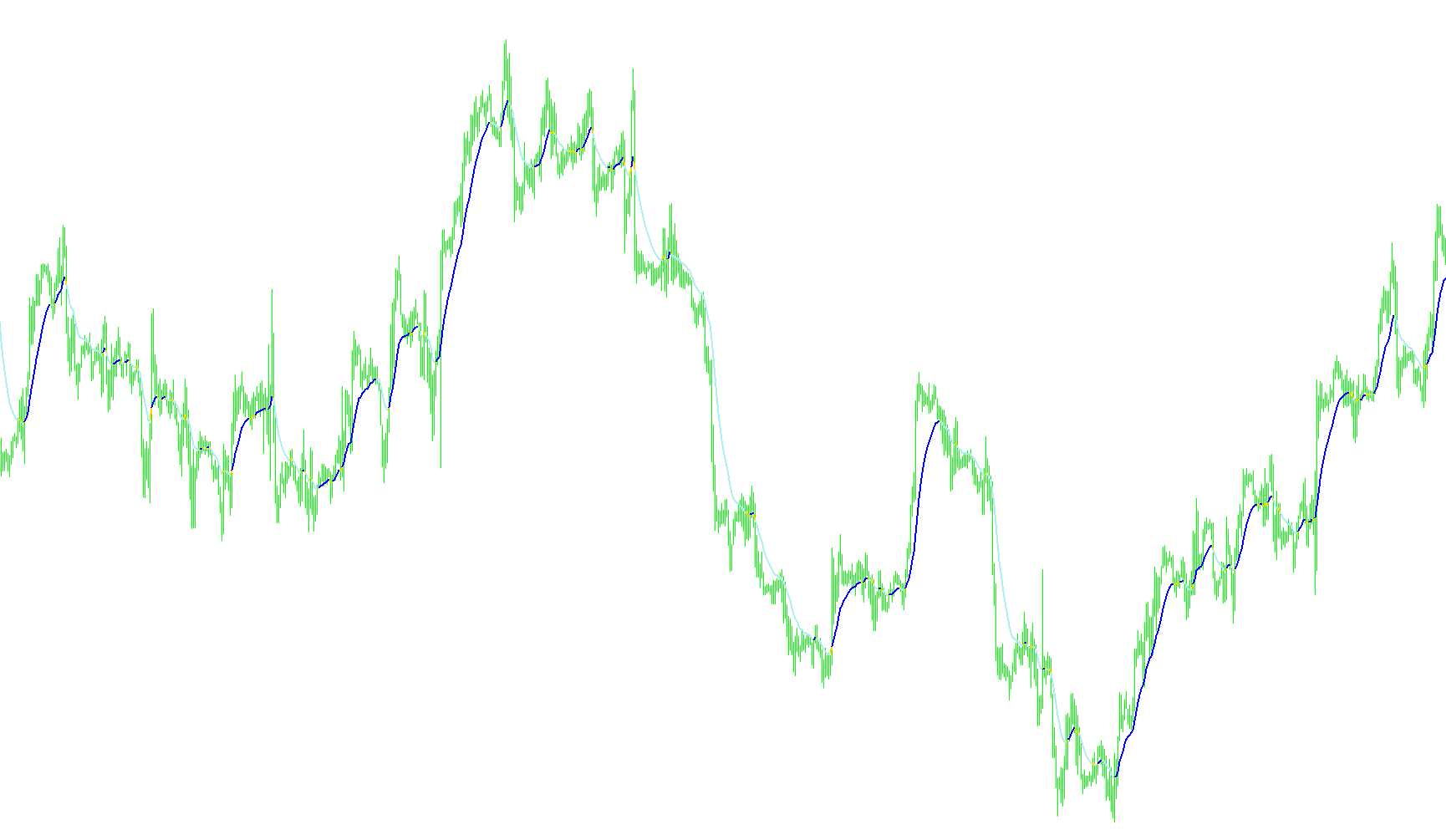
This script is designed to enhance your trading charts by providing a visual, color-coded Moving Average (MA). Instead of simply showing a single line that changes color, it utilizes three distinct layers to clearly signal price momentum and trend direction in real-time.
Core Functionality
The primary purpose of this tool is to simplify trend identification. By observing the color of the Moving Average line, traders can quickly distinguish between bullish (upward) and bearish (downward) movements without needing to manually interpret complex price action.
How the Logic Works
The script functions by constantly comparing the current value of a Moving Average with its previous value. It processes various types of averages—such as Simple (SMA), Exponential (EMA), Smoothed (SMMA), Linear Weighted (LWMA), and Least Squares (LSMA)—depending on your specific preference.
The visual logic is divided into three components:
- Trend Detection: The script looks at the "slope" of the moving average. If the current value is higher than the previous one, it indicates an upward trend. If it is lower, it indicates a downward trend.
- Dynamic Color Switching:
- When the trend turns upward, the indicator highlights the line in a specific color (Green).
- When the trend turns downward, the indicator shifts the visual output to a different color (Red).
- It manages these transitions by "emptying" the values of the other colors, ensuring that only the active trend color is visible on your screen at any given moment.
- Visual Continuity: By using multiple buffers for a single moving average, the script ensures that the transition between colors remains smooth and continuous, providing a clear visual flow of the market's direction.
User Experience
For the trader, this means less "mental math." Instead of guessing whether a trend is gaining or losing steam, the indicator does the heavy lifting by painting the chart with actionable color cues. You can adjust the period (how far back the average looks) and the type of moving average to match your specific trading style, allowing for a customized visual dashboard tailored to your strategy.
/*-----------------------------+
|			       |
| Shared by www.Aptrafx.com    |
|			       |
+------------------------------*/

//+------------------------------------------------------------------+
//|                                                MA_In_Color.mq4   |
//|                      Copyright © 2004, MetaQuotes Software Corp. |
//| Modified from LSMA_In_Color to use any MA by Robert Hill         |
//+------------------------------------------------------------------+
#property  copyright "Copyright © 2006, FX Sniper and Robert Hill"
#property  link      "http://www.metaquotes.net/"

//---- indicator settings

#property  indicator_chart_window
#property  indicator_buffers 3
#property indicator_color1 Yellow
#property indicator_color2 Green
#property indicator_color3 Red

extern int       MAPeriod=14;
extern int       MAType=1;

//---- buffers

double ExtMapBuffer1[];
double ExtMapBuffer2[];
double ExtMapBuffer3[];

//---- variables

int    MAMode;
string strMAType;


//+------------------------------------------------------------------+
//| Custom indicator initialization function                         |
//+------------------------------------------------------------------+
int init()
  {
   IndicatorBuffers(3);

//---- drawing settings
   SetIndexBuffer(2,ExtMapBuffer1);
   SetIndexBuffer(1,ExtMapBuffer2);
   SetIndexBuffer(0,ExtMapBuffer3);

   SetIndexStyle(2,DRAW_LINE,STYLE_SOLID,2);
   SetIndexStyle(1,DRAW_LINE,STYLE_SOLID,2);
   SetIndexStyle(0,DRAW_LINE,STYLE_SOLID,2);

switch (MAType)
   {
      case 1: strMAType="EMA"; MAMode=MODE_EMA; break;
      case 2: strMAType="SMMA"; MAMode=MODE_SMMA; break;
      case 3: strMAType="LWMA"; MAMode=MODE_LWMA; break;
      case 4: strMAType="LSMA"; break;
      default: strMAType="SMA"; MAMode=MODE_SMA; break;
   }
   IndicatorShortName( strMAType+ " (" +MAPeriod + ") ");
//---- initialization done
   return(0);
  }

double LSMA(int Rperiod, int shift)
{
   int i;
   double sum;
   int length;
   double lengthvar;
   double tmp;
   double wt;

   length = Rperiod;

   sum = 0;
   for(i = length; i >= 1  ; i--)
   {
     lengthvar = length + 1;
     lengthvar /= 3;
     tmp = 0;
     tmp = ( i - lengthvar)*Close[length-i+shift];
     sum+=tmp;
    }
    wt = sum*6/(length*(length+1));

    return(wt);
}

int start()

  {

   double MA_Cur, MA_Prev;
   int limit;
   int counted_bars = IndicatorCounted();
   //---- check for possible errors
   if (counted_bars<0) return(-1);
   //---- last counted bar will be recounted
   if (counted_bars>0) counted_bars--;
   limit = Bars - counted_bars;

   for(int i=limit; i>=0; i--)
   {
      if (MAType == 4)
      {
        MA_Cur = LSMA(MAPeriod,i);
        MA_Prev = LSMA(MAPeriod,i+1);
      }
      else
      {
        MA_Cur = iMA(NULL,0,MAPeriod,0,MAMode,PRICE_CLOSE,i);
        MA_Prev = iMA(NULL,0,MAPeriod,0,MAMode,PRICE_CLOSE,i+1);
      }


//========== COLOR CODING ===========================================

       ExtMapBuffer3[i] = MA_Cur; //red
       ExtMapBuffer2[i] = MA_Cur; //green
       ExtMapBuffer1[i] = MA_Cur; //yellow

        if (MA_Prev > MA_Cur)
        {
        ExtMapBuffer2[i] = EMPTY_VALUE;

        }
       else if (MA_Prev < MA_Cur)
        {
        ExtMapBuffer1[i] = EMPTY_VALUE; //-1 red/greem tight

        }
         else
         {

         ExtMapBuffer1[i]=EMPTY_VALUE;//EMPTY_VALUE;
         ExtMapBuffer2[i]=EMPTY_VALUE;//EMPTY_VALUE;
         }

      }

      return(0);
  }
//+------------------------------------------------------------------+
Comments