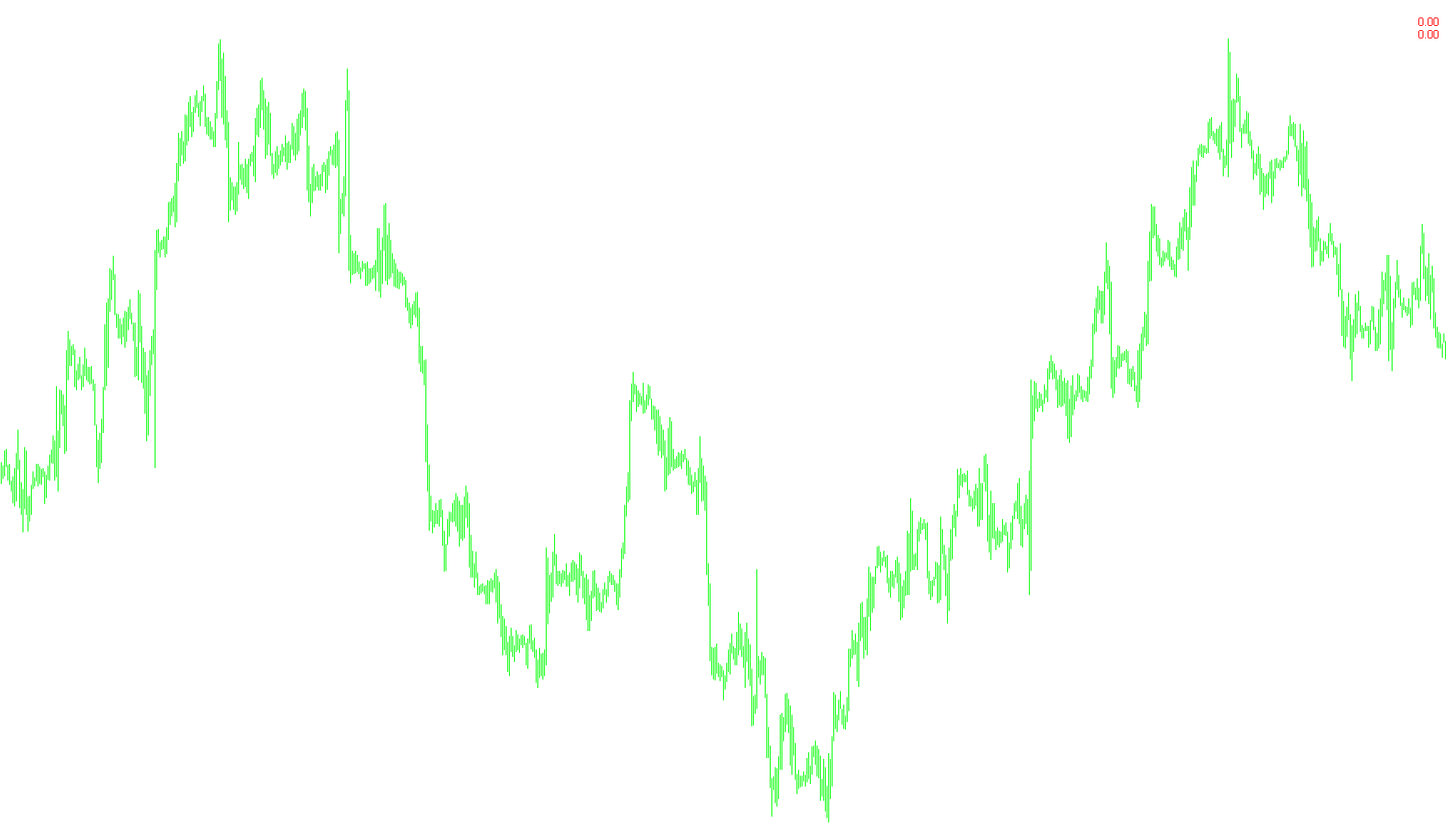
This script serves as a real-time monitoring tool for traders who want to quickly assess their current market exposure and financial standing on a specific currency pair or asset. Instead of making you navigate through complex menus to see your open positions, it extracts this data automatically and displays it directly on your trading chart.
How the Logic Works
The script performs three main actions in real-time:
1. Smart Filtering of Active Trades The tool scans all your currently open trades. However, it is designed to be specific; it only looks for positions related to the specific instrument you are currently viewing on your chart. It ignores all other unrelated trades, ensuring the information displayed remains relevant to the asset you are focused on.
2. Dual-Category Data Collection The script separates your data into two categories: Buys (Long positions) and Sells (Short positions). For each category, it calculates two distinct metrics:
- Total Volume (Lots): It adds up the total "size" of all your open positions for that specific trade type.
- Net Profit/Loss: It calculates the actual monetary value of your trades. This isn't just a raw profit number; the script is thorough enough to include Swaps (overnight interest) and Commissions (trading fees), giving you a much more accurate picture of your actual balance.
3. Dynamic Visual Display Once the data is gathered, the script updates four distinct labels on your screen:
- Buy Volume & Sell Volume: Displays how many lots you are currently holding for each direction.
- Buy Profit & Sell Profit: Displays the current monetary profit or loss for each side of the market.
Visual Feedback
To make it easier to read at a glance, the script uses a color-coded system:
- Green Text: Generally appears when there is active volume or a positive profit.
- Red/Gray Text: Changes automatically based on whether your position is in a loss or if there are no active trades at all.
Essentially, this tool acts as an "at-a-glance" dashboard, providing you with the total weight of your market exposure and your net financial status without requiring you to do any manual math.
//+------------------------------------------------------------------+
//|                                                   lot profit.mq4 |
//|                             Copyright © 2016, http://cmillion.ru |
//|                                                cmillion@narod.ru |
//+------------------------------------------------------------------+
#property copyright "Copyright © 2016, http://cmillion.ru"
#property link      "cmillion@narod.ru"
#property description "Èíäèêàòîð ïîêàçûâàåò ñóììàðíûé ëîò è ïðîôèò ïî òåêóùåìó èíñòðóìåíòó"
#property version   "1.00"
#property strict
#property indicator_chart_window
//+------------------------------------------------------------------+
string val;
//+------------------------------------------------------------------+
int OnInit()
  {
   val=" "+AccountCurrency();
   return(INIT_SUCCEEDED);
  }
//+------------------------------------------------------------------+
int OnCalculate(const int rates_total,
                const int prev_calculated,
                const datetime &time[],
                const double &open[],
                const double &high[],
                const double &low[],
                const double &close[],
                const long &tick_volume[],
                const long &volume[],
                const int &spread[])
  {
//---
   double Profit=0,ProfitB=0,ProfitS=0;
   double LotB=0,LotS=0;
   int i,b=0,s=0,tip;
   for(i=0; i<OrdersTotal(); i++)
     {
      if(OrderSelect(i,SELECT_BY_POS,MODE_TRADES))
        {
         if(OrderSymbol()==Symbol())
           {
            tip=OrderType();
            if(tip==OP_BUY)
              {
               ProfitB+=OrderProfit()+OrderSwap()+OrderCommission();
               LotB+=OrderLots();
               b++;
              }
            if(tip==OP_SELL)
              {
               ProfitS+=OrderProfit()+OrderSwap()+OrderCommission();
               LotS+=OrderLots();
               s++;
              }
           }
        }
     }
   DrawLABEL("cm buy Lot"     ,StringConcatenate("Buy " ,DoubleToStr(LotB,2)," ëîò"),100,20,LotB>0?clrGreen:clrGray);
   DrawLABEL("cm sell Lot"    ,StringConcatenate("Sell ",DoubleToStr(LotS,2)," ëîò"),100,35,LotS>0?clrGreen:clrGray);
   DrawLABEL("cm buy Profit"  ,StringConcatenate(DoubleToStr(ProfitB,2),val),10,20,ProfitB>0?clrGreen:clrRed);
   DrawLABEL("cm sell Profit" ,StringConcatenate(DoubleToStr(ProfitS,2),val),10,35,ProfitS>0?clrGreen:clrRed);
   return(rates_total);
  }
//+------------------------------------------------------------------+
void OnDeinit(const int reason)
  {
   ObjectsDeleteAll(0,"cm");
  }
//+------------------------------------------------------------------+
void DrawLABEL(string name,string Name,int X,int Y,color clr)
  {
   if(ObjectFind(name)==-1)
     {
      ObjectCreate(name,OBJ_LABEL,0,0,0);
      ObjectSet(name,OBJPROP_CORNER,1);
      ObjectSet(name,OBJPROP_XDISTANCE,X);
      ObjectSet(name,OBJPROP_YDISTANCE,Y);
     }
   ObjectSetText(name,Name,10,"Arial",clr);
  }
//--------------------------------------------------------------------
Comments